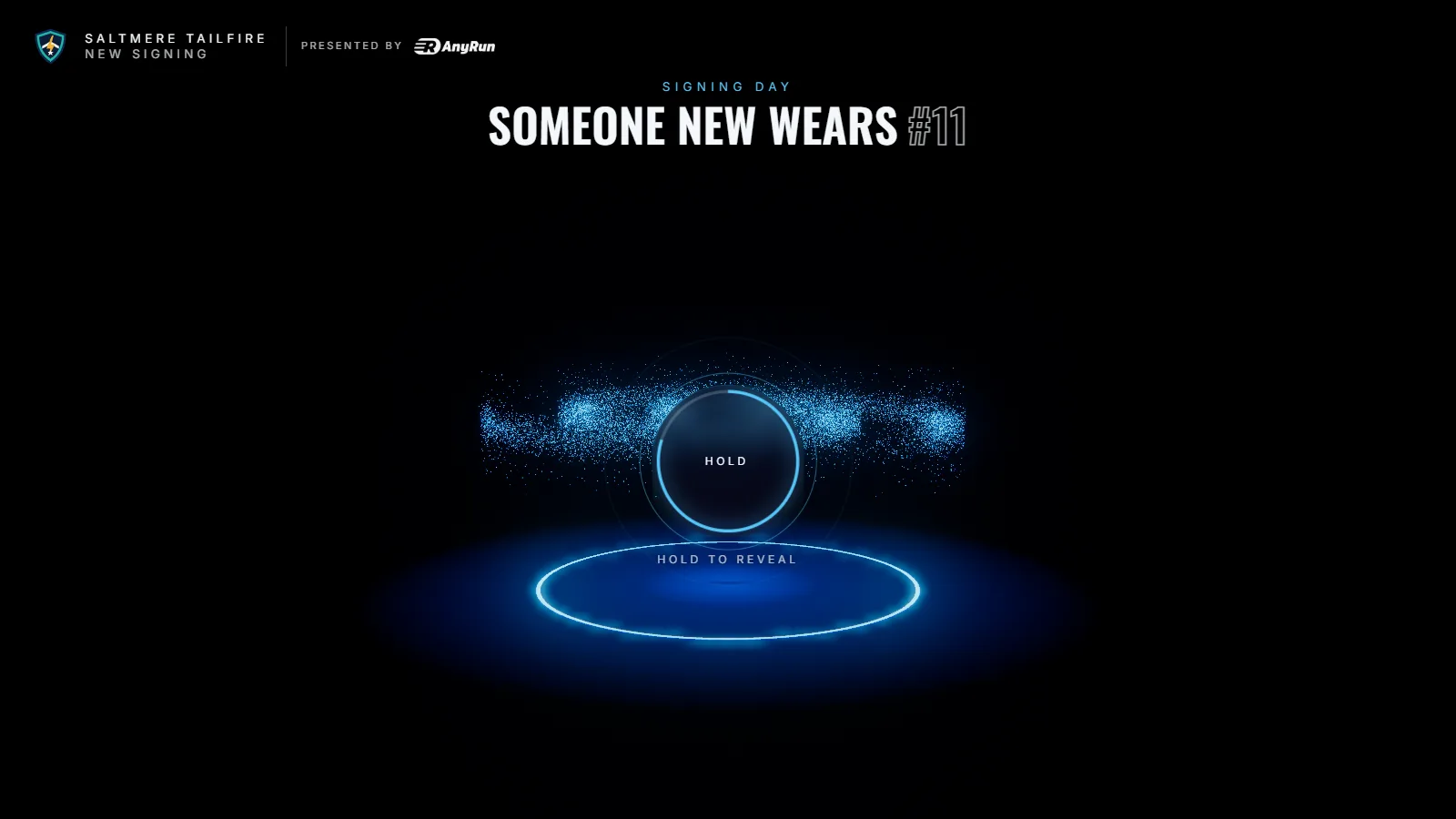
Templates / Kit launch
Kit launch
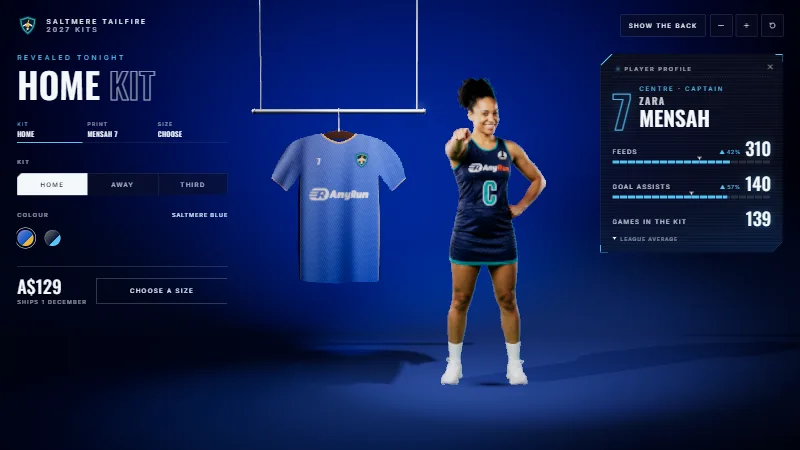
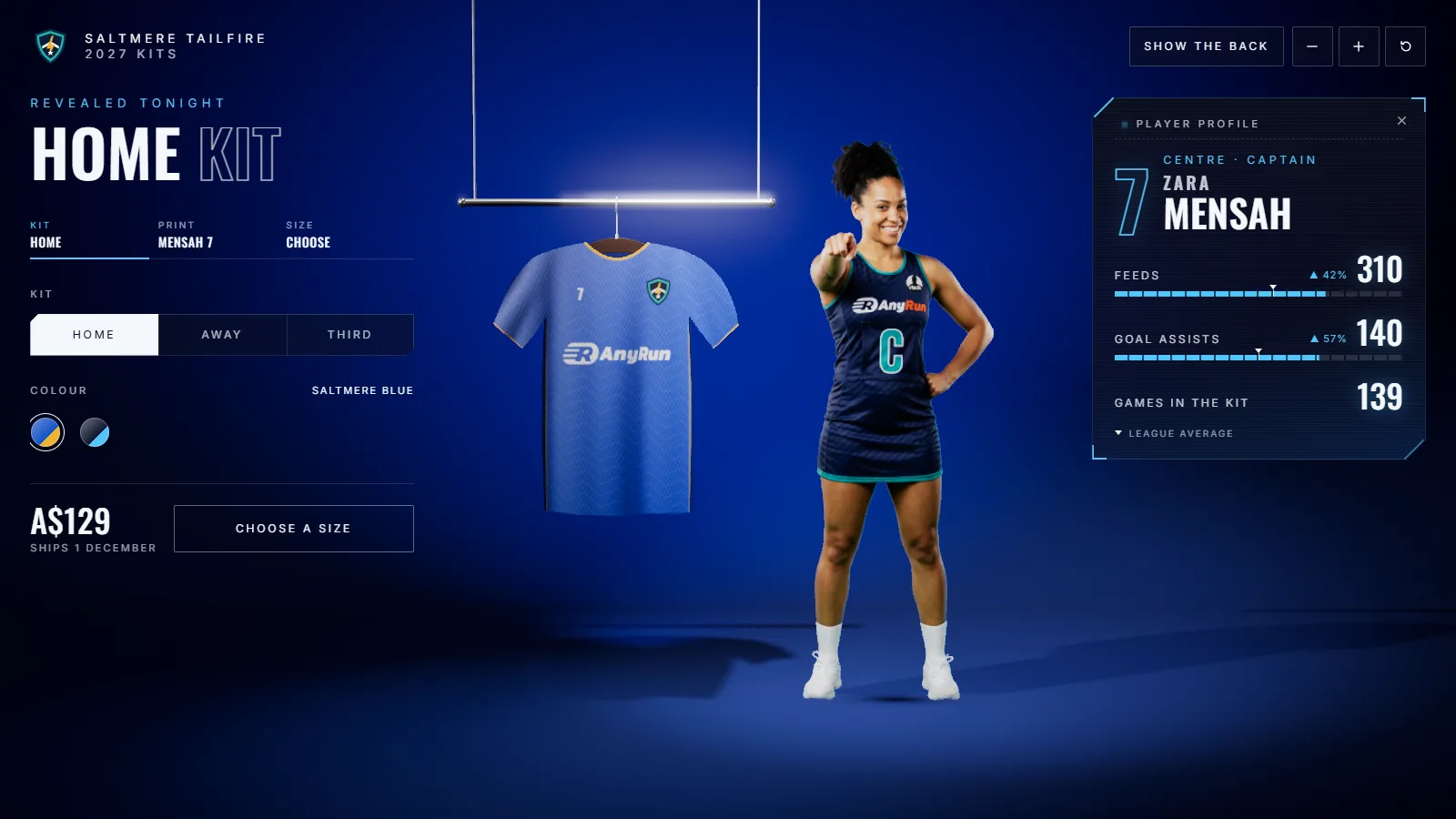
Reveal your new kits in a lit glass case. Fans pick the kit, colour, print and size against your stock, then pre-order in your shop.
For the day the new kit drops. You need front and back photos of each kit, your stock per size and your shop link.
Saltmere Tailfire, its players and its sponsors are fictional.
From the reveal to the pre-order
Fans see it, make it theirs and go to your shop with their choice.
-
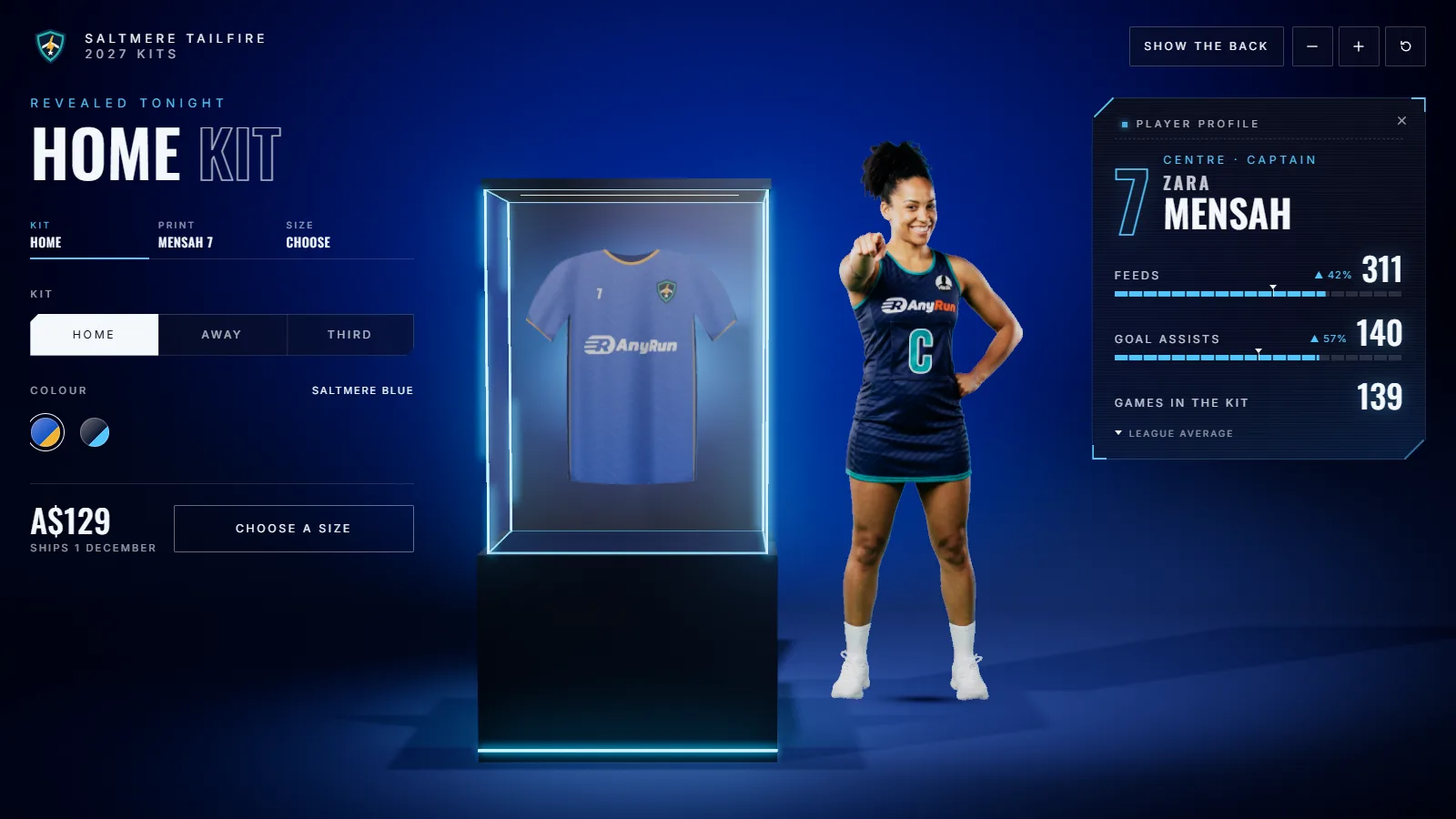
The reveal
The kit turns in its case under the lights, front and back.
-
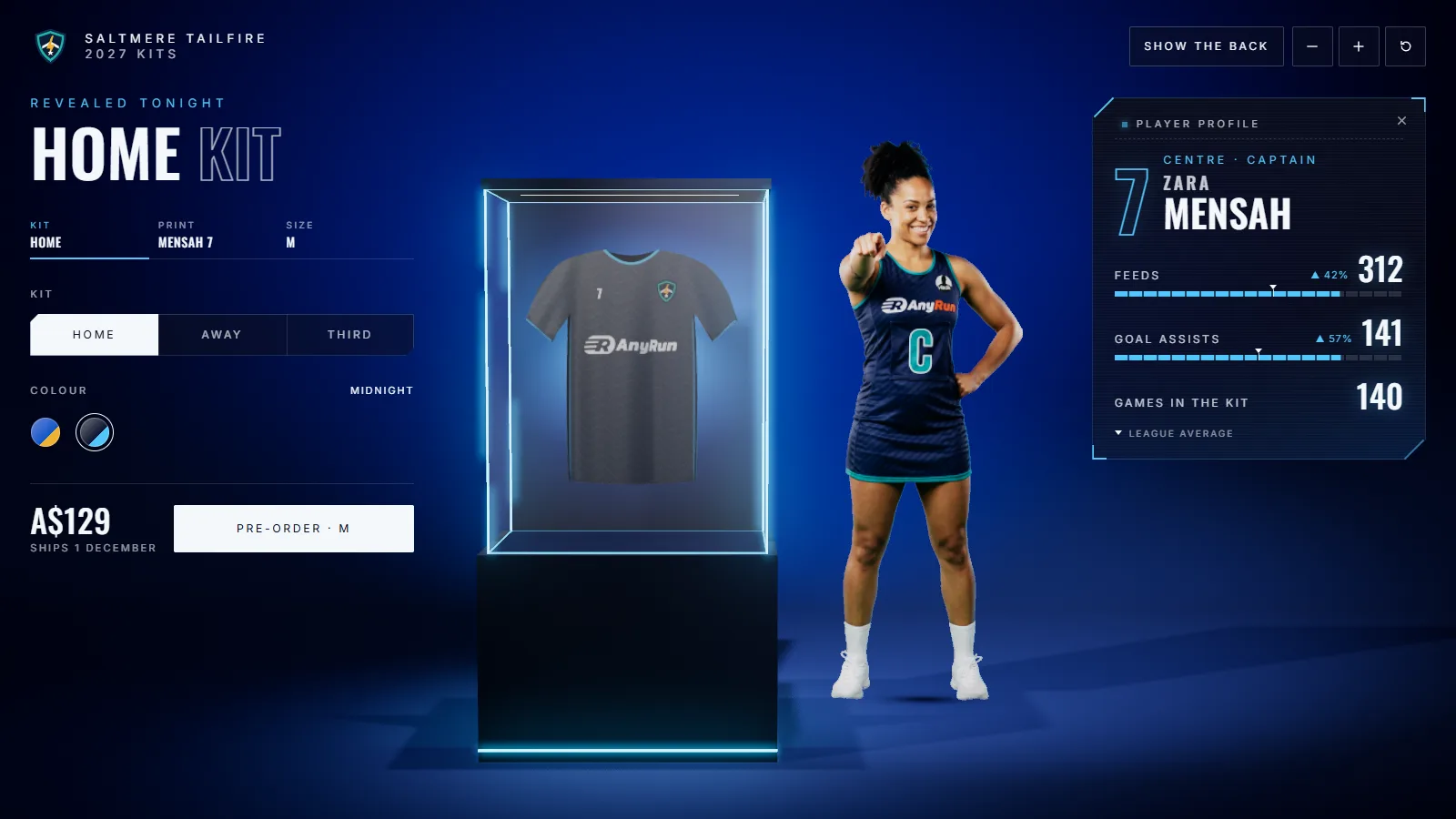
Make it theirs
Kit, colour, a name and number on the back, and a size that shows what is left.
-
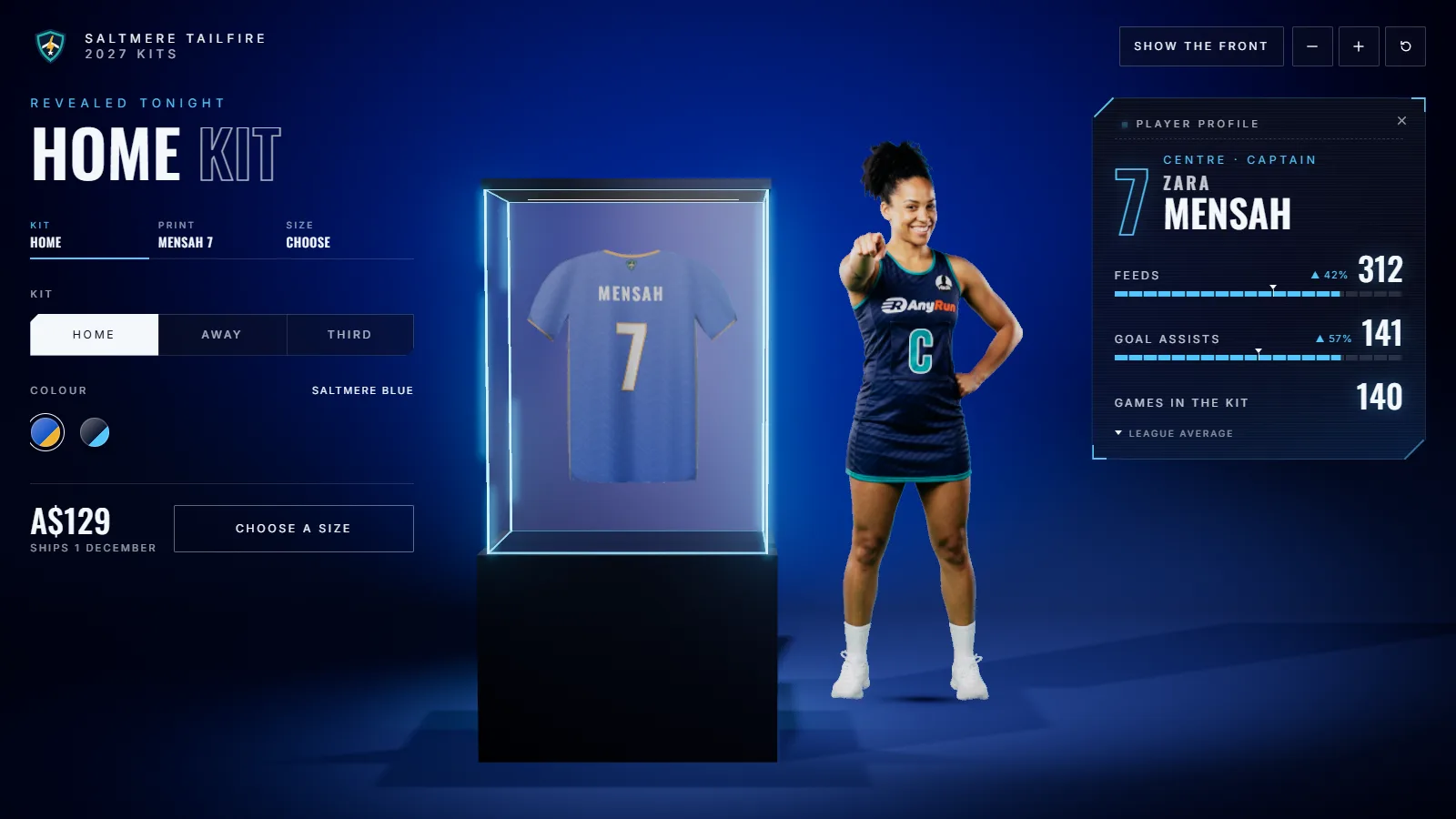
Pre-order
One button to your shop page, with the price and when it ships.
Your kits, your stock
Up to three kits, each in up to two colours, with the stock you actually have.
- KitsName, a line about it, price, and front and back photos per colour.
- StockHow many of each size, when to say “few left”, and the most one fan can order.
- PrintA sample name and number on the back.
- DisplayA glass case with your photos, or a cloth shirt on a hanger.
- ShopThe page the pre-order opens, and the line under the price.
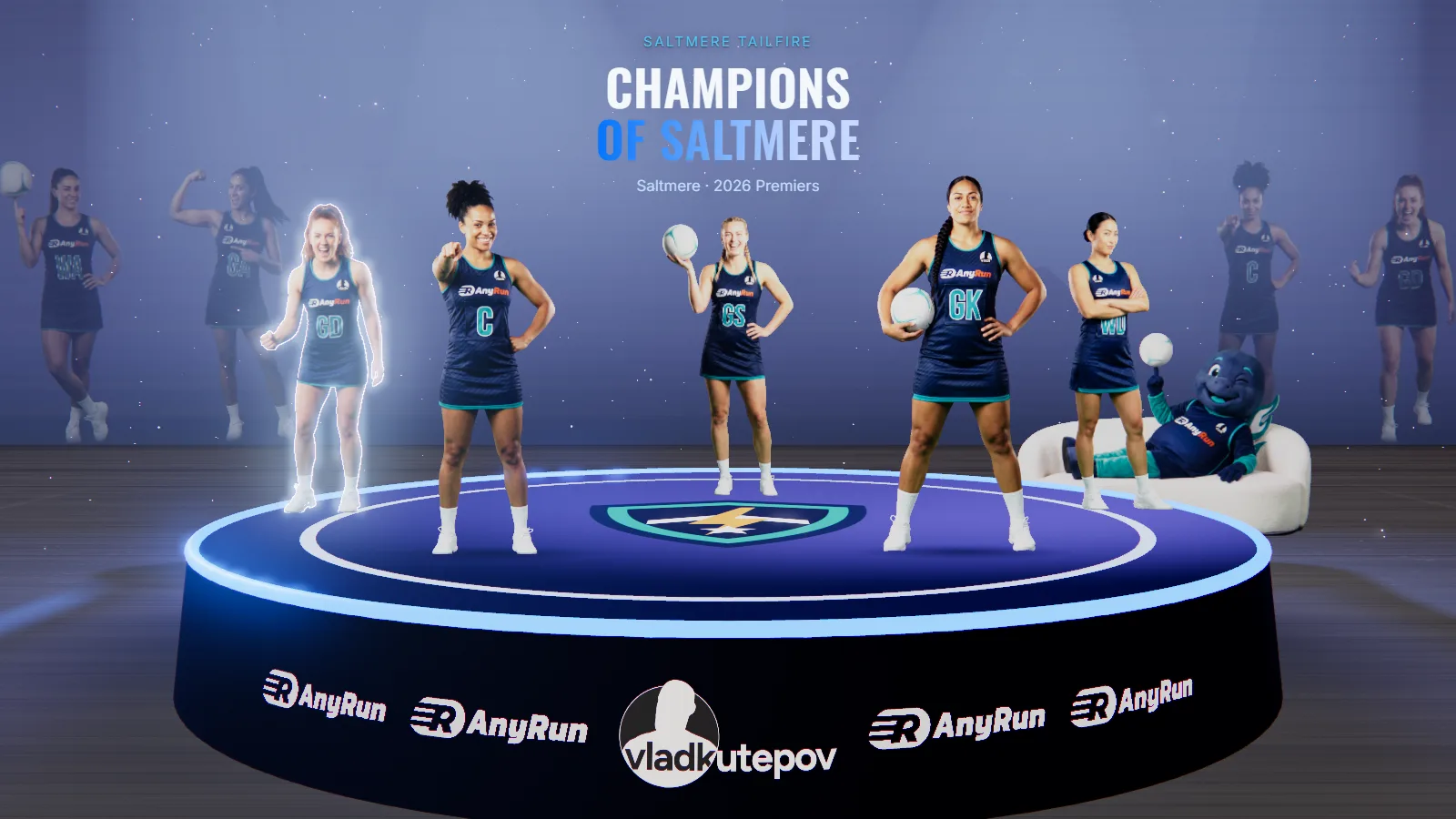
Add up to three players wearing it beside the case.
Or just ask
Connect Unveil3D to Claude or ChatGPT and make the whole scene by chatting. When you publish, the live scene plays in the chat and its links come back.
Things people ask
- “Make a kit launch for our 2027 home and away kits.”
- “Home is $129, away is $139.50.”
- “We have 12 mediums and 4 larges of the home kit.”
- “Pre-orders open at shop.saltmeretailfire.com.”
Make a kit launch for our 2027 home kit. It is $129 and ships 1 December. Pre-orders go to our shop.
Created “2027 kit launch” with the Home kit at $129 and “Ships 1 December”. Send me the front and back photos, and your stock per size.
Here are the front and the back. 12 medium, 4 large, 9 small.
Both photos are cut out and in the case. Large shows “few left”. Ready to publish.
Publish.
After you confirmed the rights to the photos, it’s live. The links are below.
The Unveil3D panel as it opens in the chat, shown in a plain chat frame.
Two ways to show it
In a glass case from your own photos, or as a cloth shirt in your colours.
-
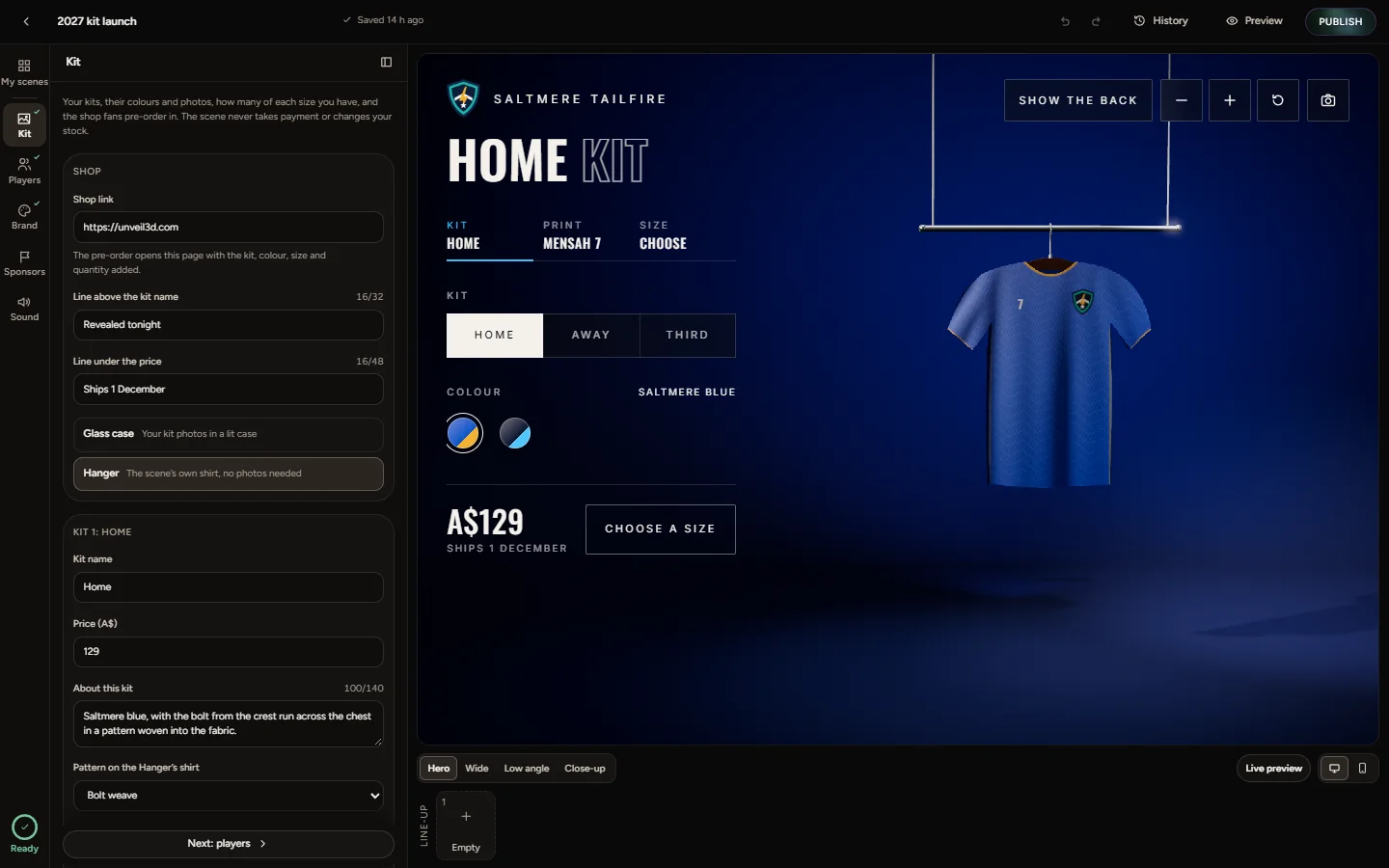
Hanger
A cloth shirt in your colours and pattern, when photos aren’t ready.
-
Glass case
Your front and back photos, lit in a case.
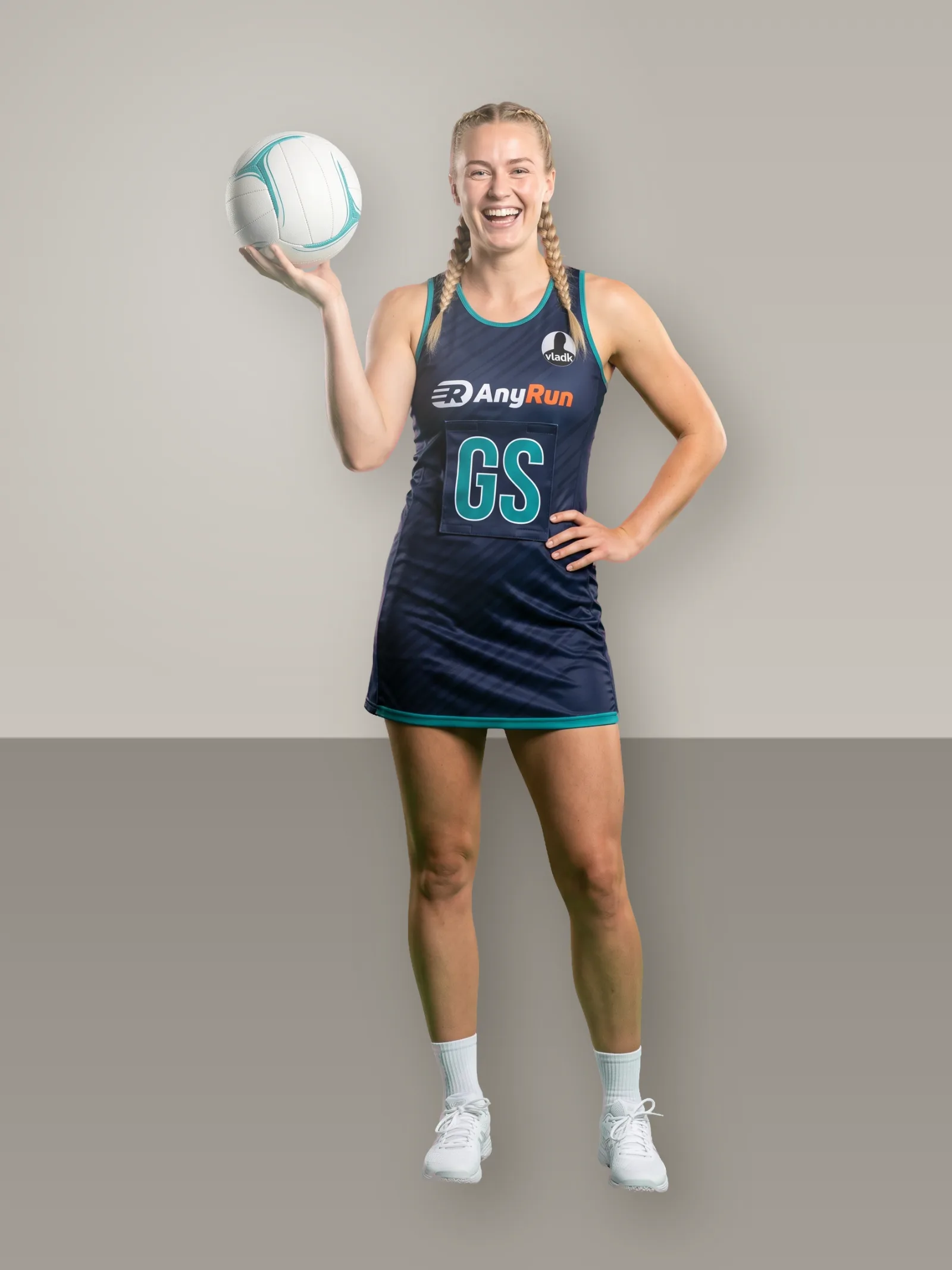
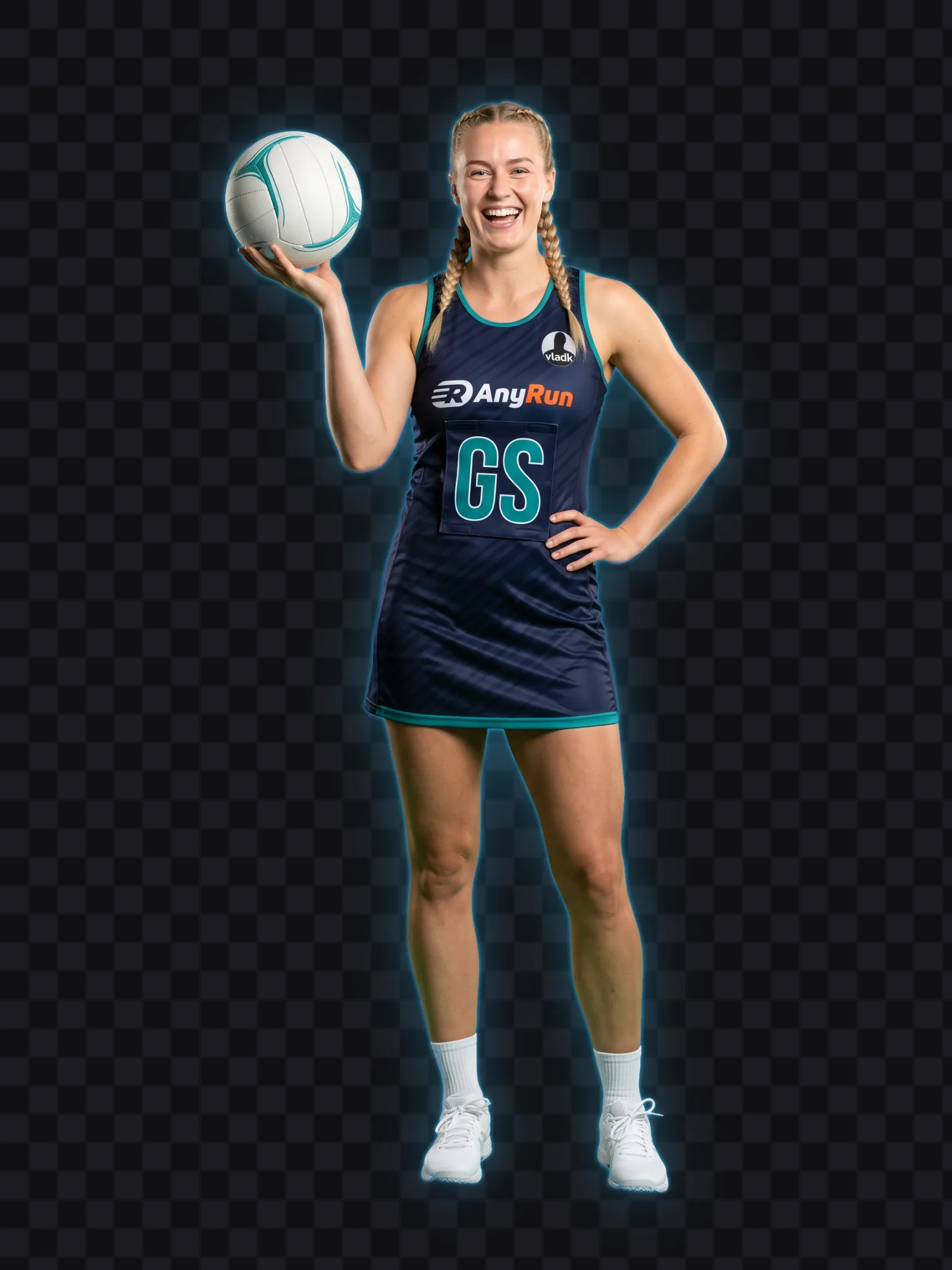
Kit photos, made ready
Photograph the front and the back flat or on a mannequin, and the players wearing it. Each is cut out, so the shirt stands alone in the case with a player beside it.
- Front and back of each colour
- Plain background, the whole shirt in frame
- Up to three players wearing it, head to feet
Publish once, use it everywhere
On your website
Paste one snippet into WordPress, Squarespace, Wix or your own code. It plays only on the sites you allow.
Link and QR code
Post the link, or print the QR code on a flyer. It opens on any phone.
TV screen
Open the screen link on a TV in the club shop and the kit turns on its own.
Stills and video
Export images at 4:5, 1:1, 9:16 and 16:9 for your feeds, and a video on Pro and Agency.
Questions people ask
Something else? Get in touch.
Does it take payment?
No. The pre-order button opens your own shop page with the fan’s choice; your shop takes the order.
Does it know my stock?
It shows the numbers you enter per size, says “few left” when you say so, and marks a size as gone at zero.
Can fans put a name on the back?
They can preview one in the scene. The order itself is placed in your shop.
What if I have no photos yet?
Use the Hanger display: a cloth shirt in your colours and pattern.