Templates / Season
Your season
The whole season as a line of light across the court: every result, every game to come, and the countdown to the next one.
For your website and the clubhouse screen. No photos needed: your fixtures, your results and the ladder.
Saltmere Tailfire, its players and its sponsors are fictional.
Every game, in one line
Fans walk the season from the first round to the next game. Enter a result and the line moves on by itself.
-
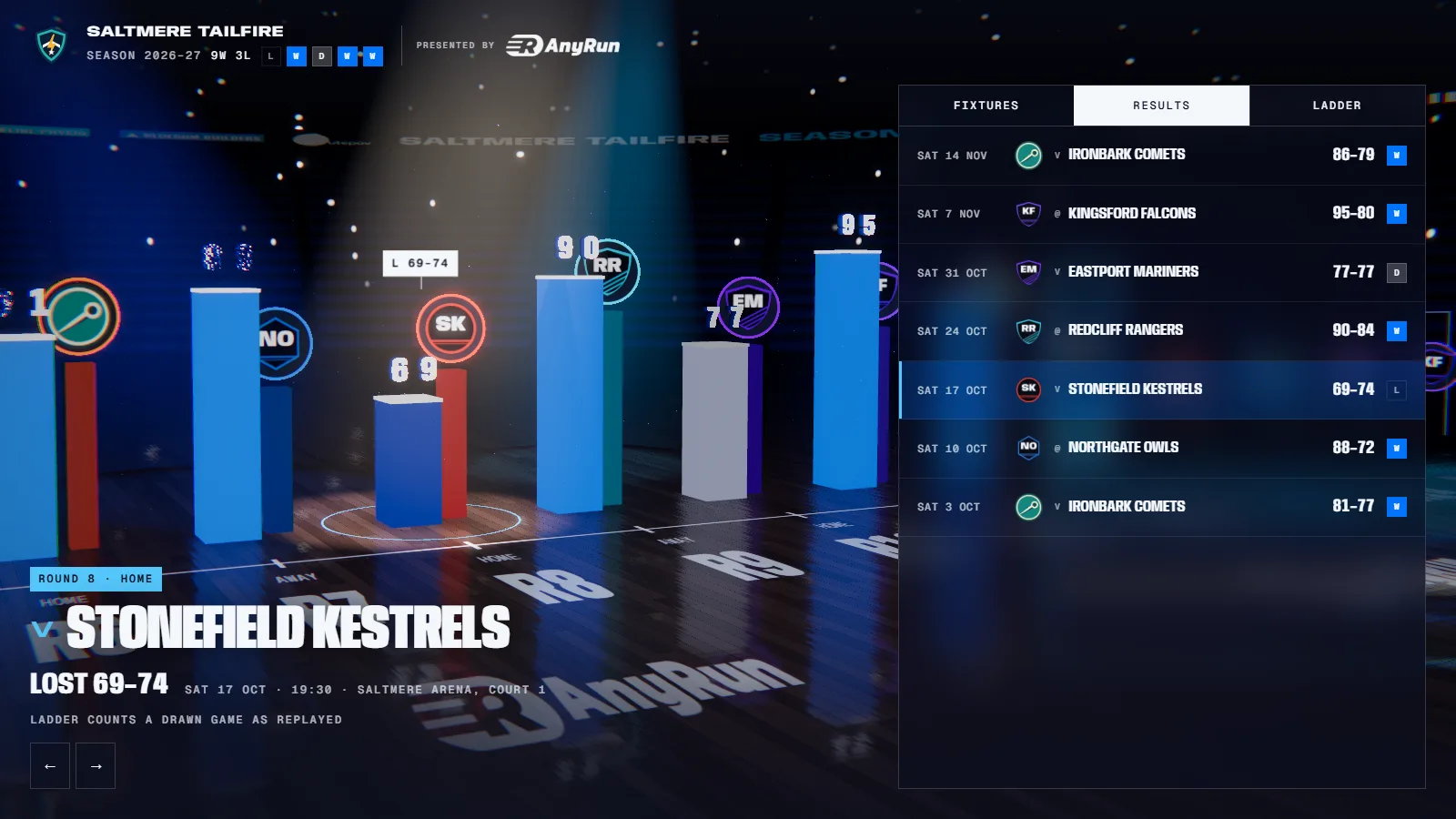
Results
Every game played stands as a bar, with the score and the opponent’s crest.
-
The next game
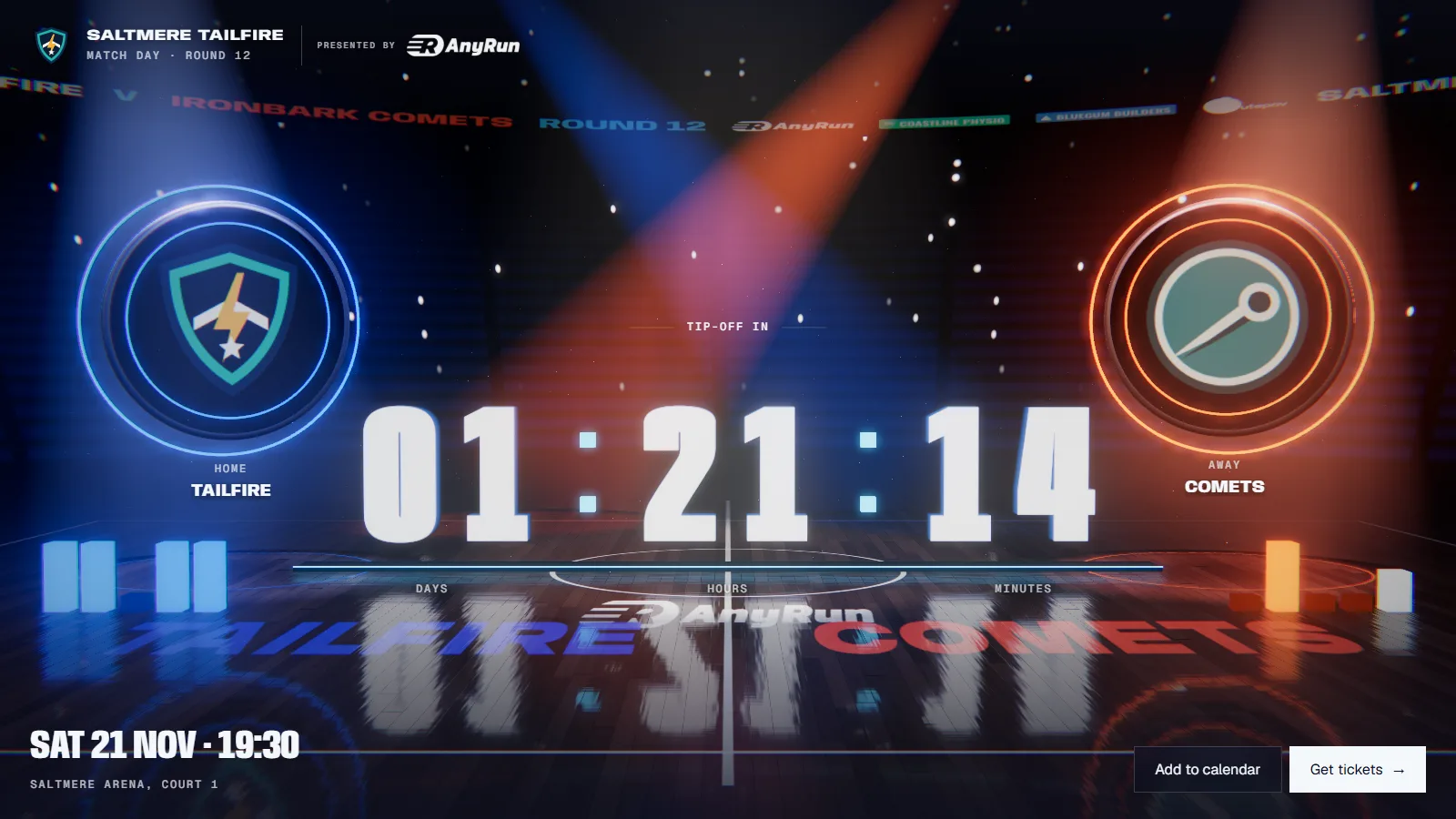
The game to come counts down, with tickets and add-to-calendar.
-
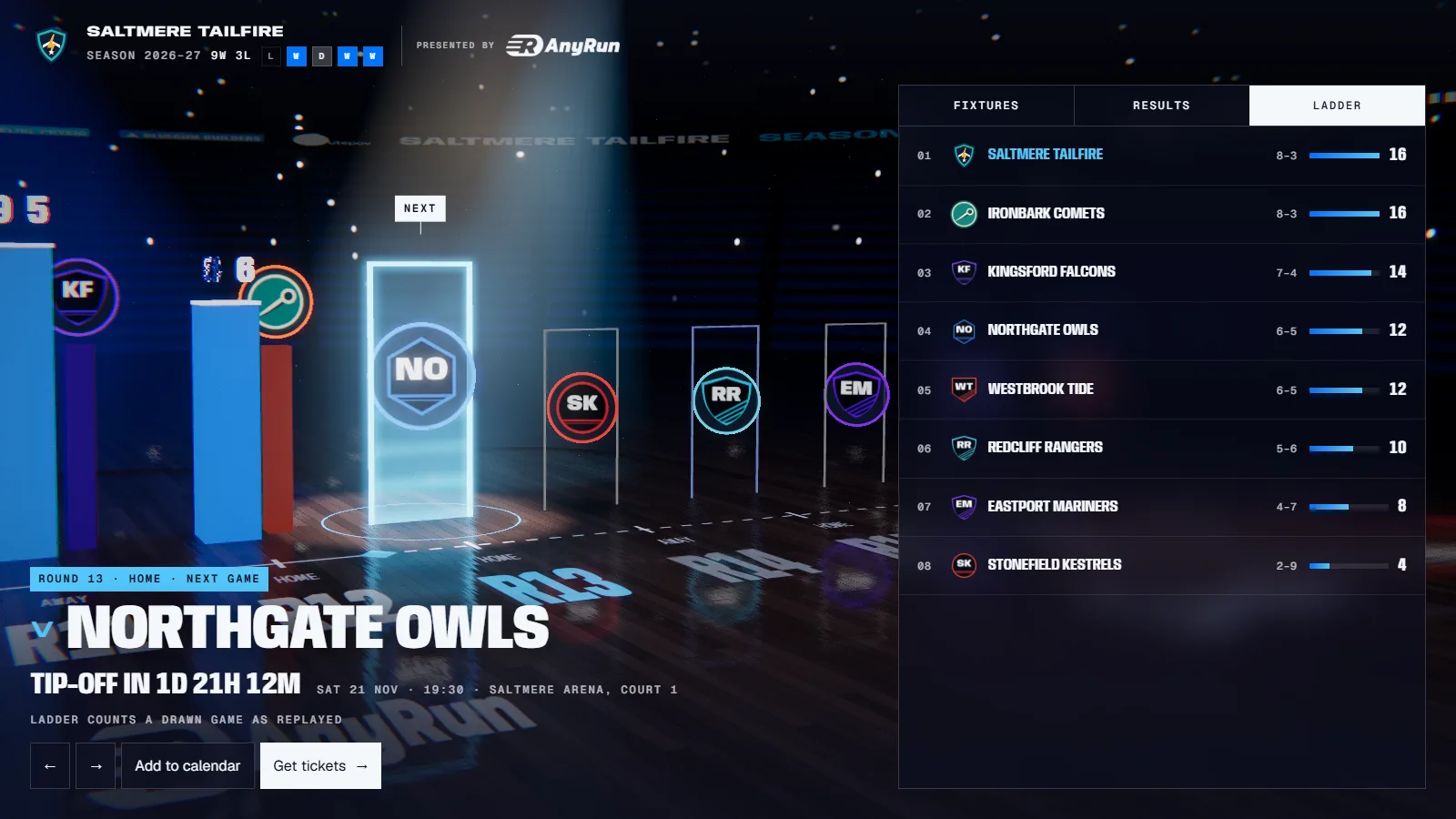
Fixtures and ladder
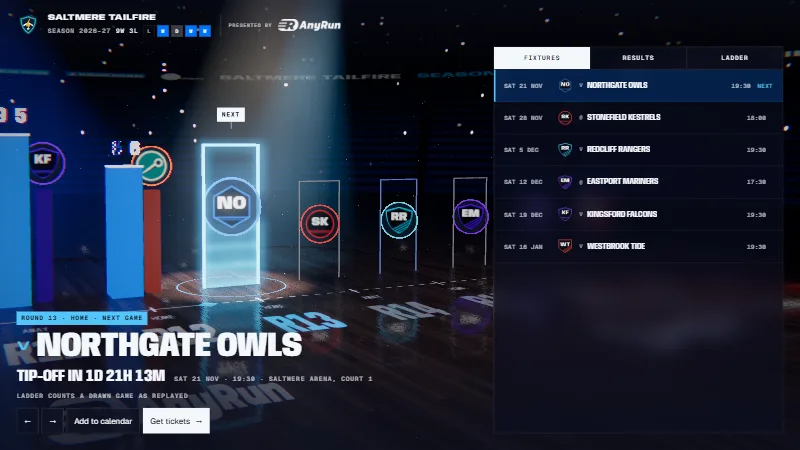
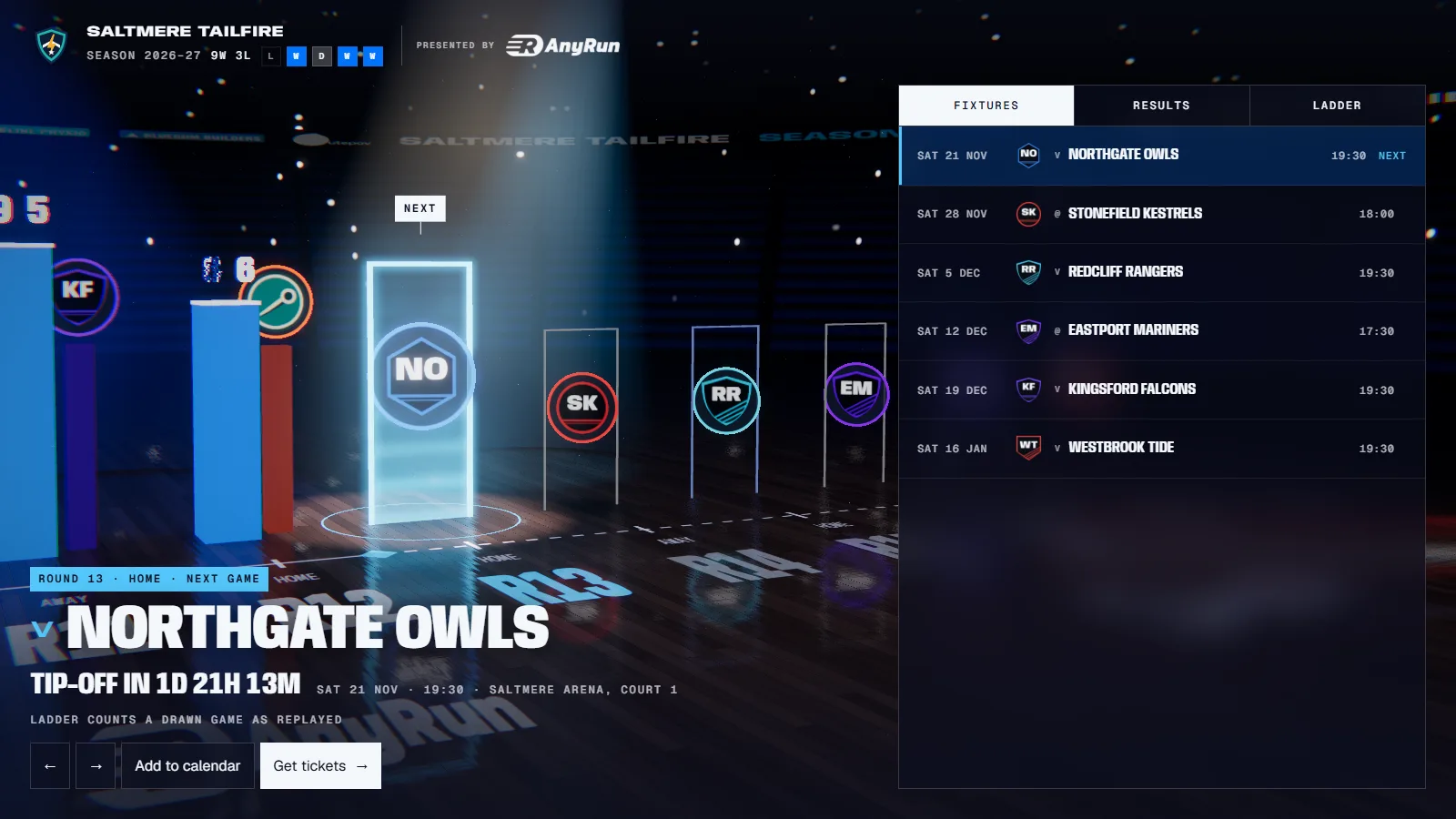
A panel beside the scene lists the fixtures, the results and the ladder with your row marked.
Paste your fixtures and you’re done
Type the games in, or paste a table straight from a spreadsheet or your league’s site.
- GamesOpponent, date, time, home or away, venue and round. Up to 30.
- ResultsBoth scores, and a link to your match report.
- The ladderUp to 12 teams, with your row marked.
- Opponents’ crestsOne logo per opponent, used every time you meet.
- Partners and soundUp to 16 partner logos, arena music on or off.
A game without a result yet is a game to come. Nothing else to set.
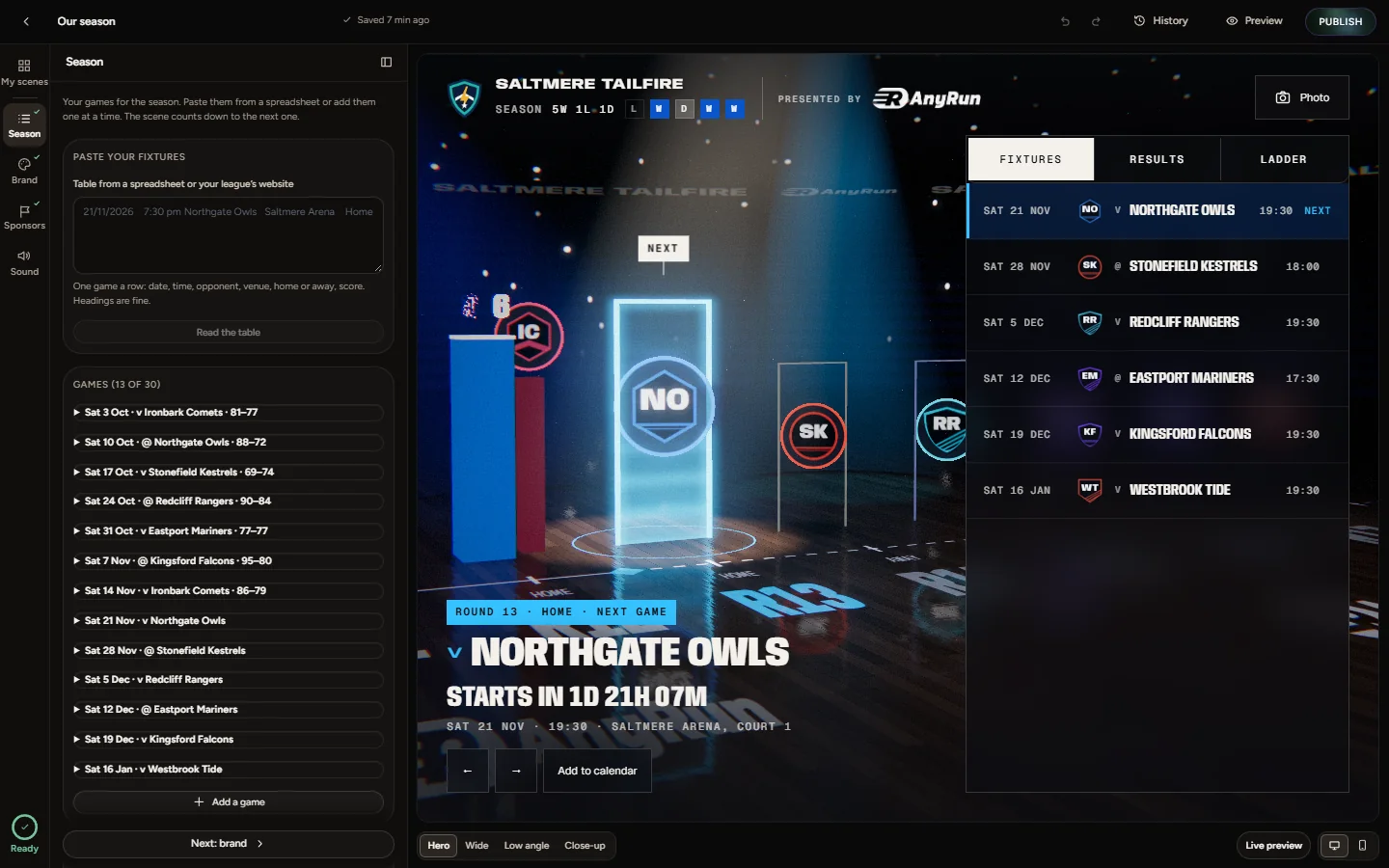
Or just ask
Connect Unveil3D to Claude or ChatGPT and make the whole scene by chatting. When you publish, the live scene plays in the chat and its links come back.
Things people ask
- “Here is our fixture list for the season.”
- “Add Saturday’s result. We won 81 to 77.”
- “Move the round 9 game to Sunday at 2 pm.”
- “Update the ladder: we are second on 28 points.”
Make our season page. Here are the fixtures: round 1 at home to the Kites on 4 April at 2 pm, round 2 away to the Comets on 11 April at 4 pm, and the rest are in this list.
Created “Our season” with 14 games in date order, in your time zone. Ready to publish.
Publish it. And we beat the Kites 62 to 55.
Do you have the rights to the logos on it? Once you say yes I’ll publish with the result in.
Yes.
It’s live with round 1 as a win, 62 to 55, and the countdown on round 2. The links are below.
The Unveil3D panel as it opens in the chat, shown in a plain chat frame.
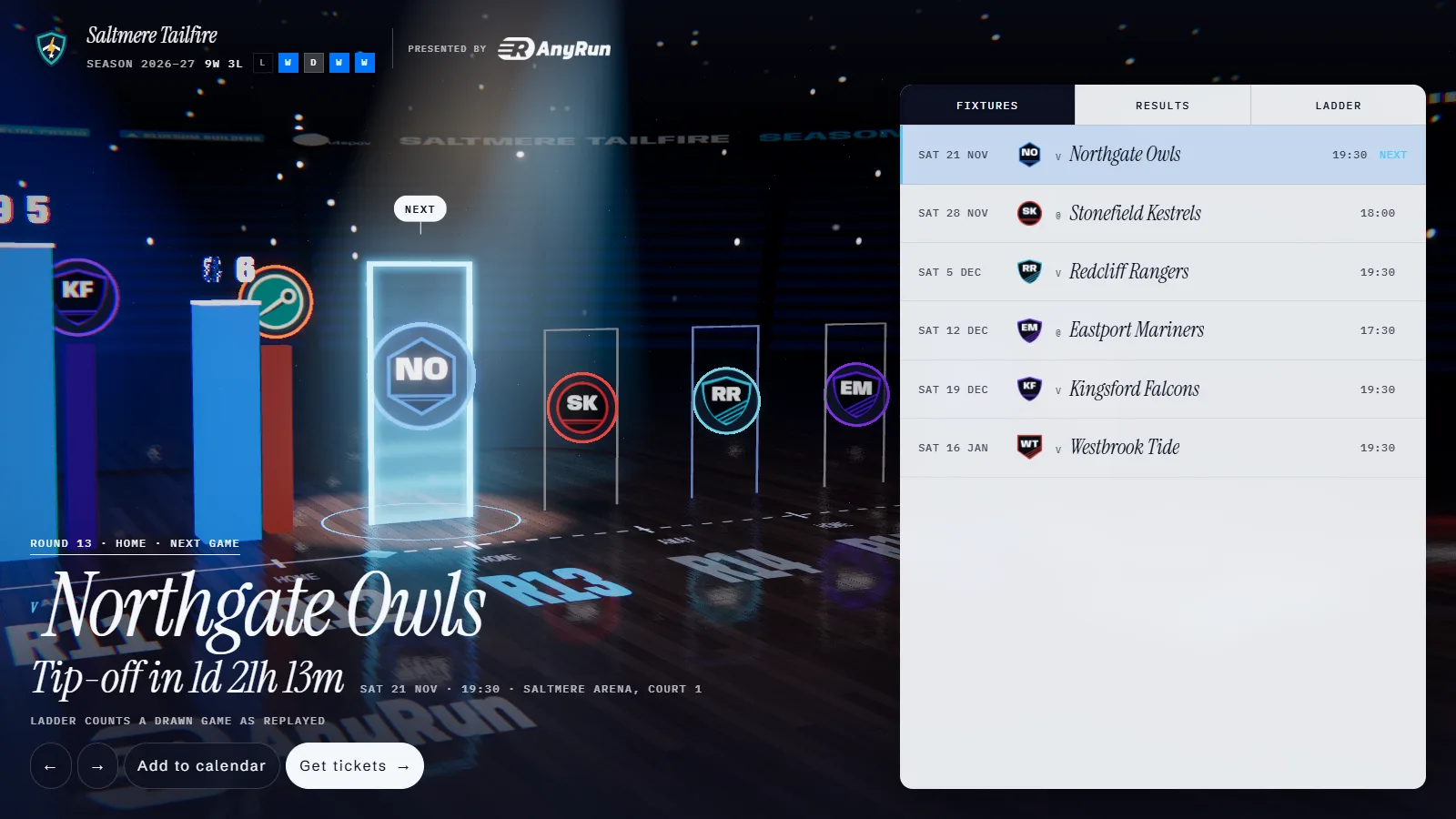
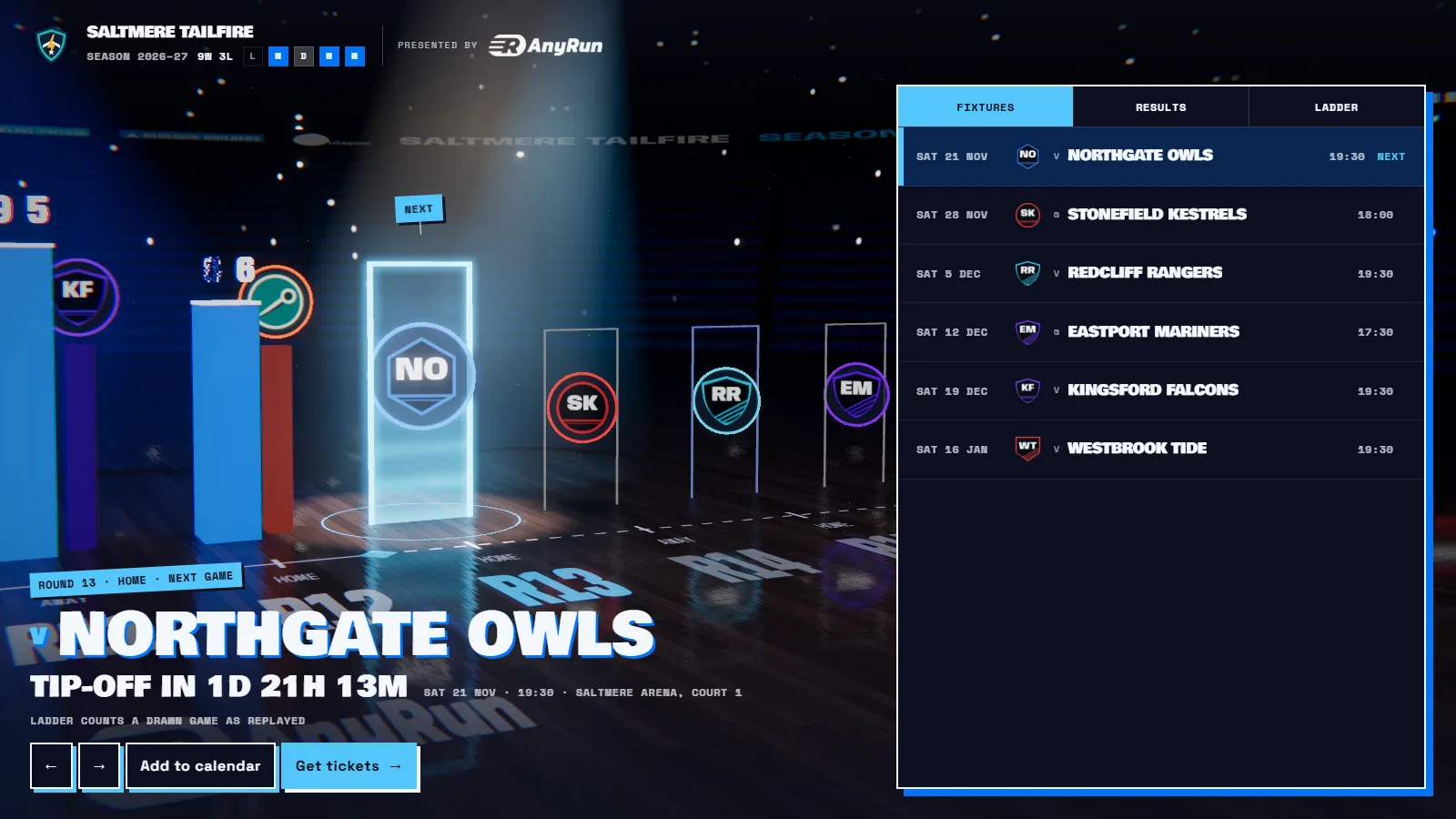
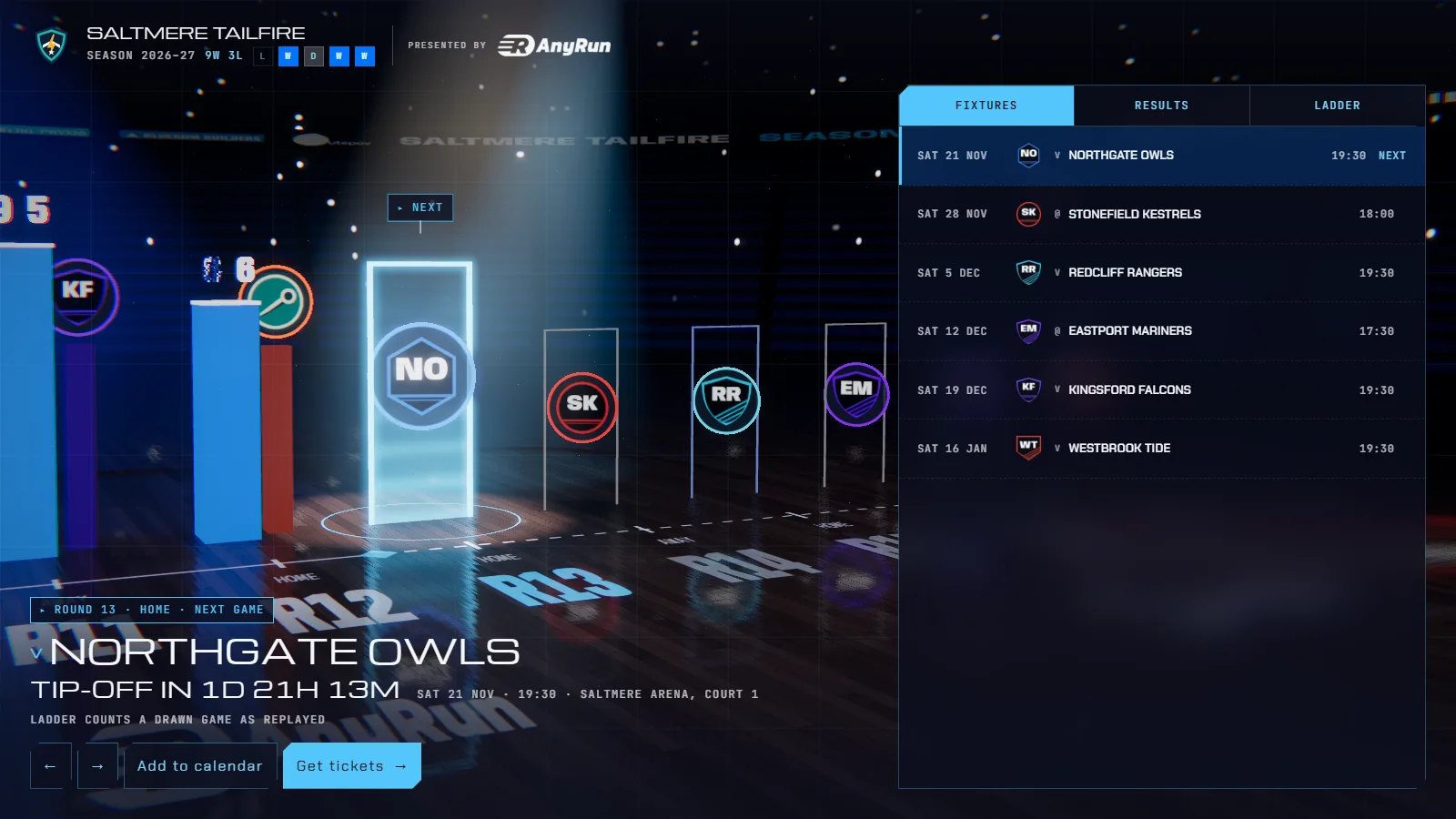
Four looks
The same season in four styles of words and panels. Your club colours carry through all of them.
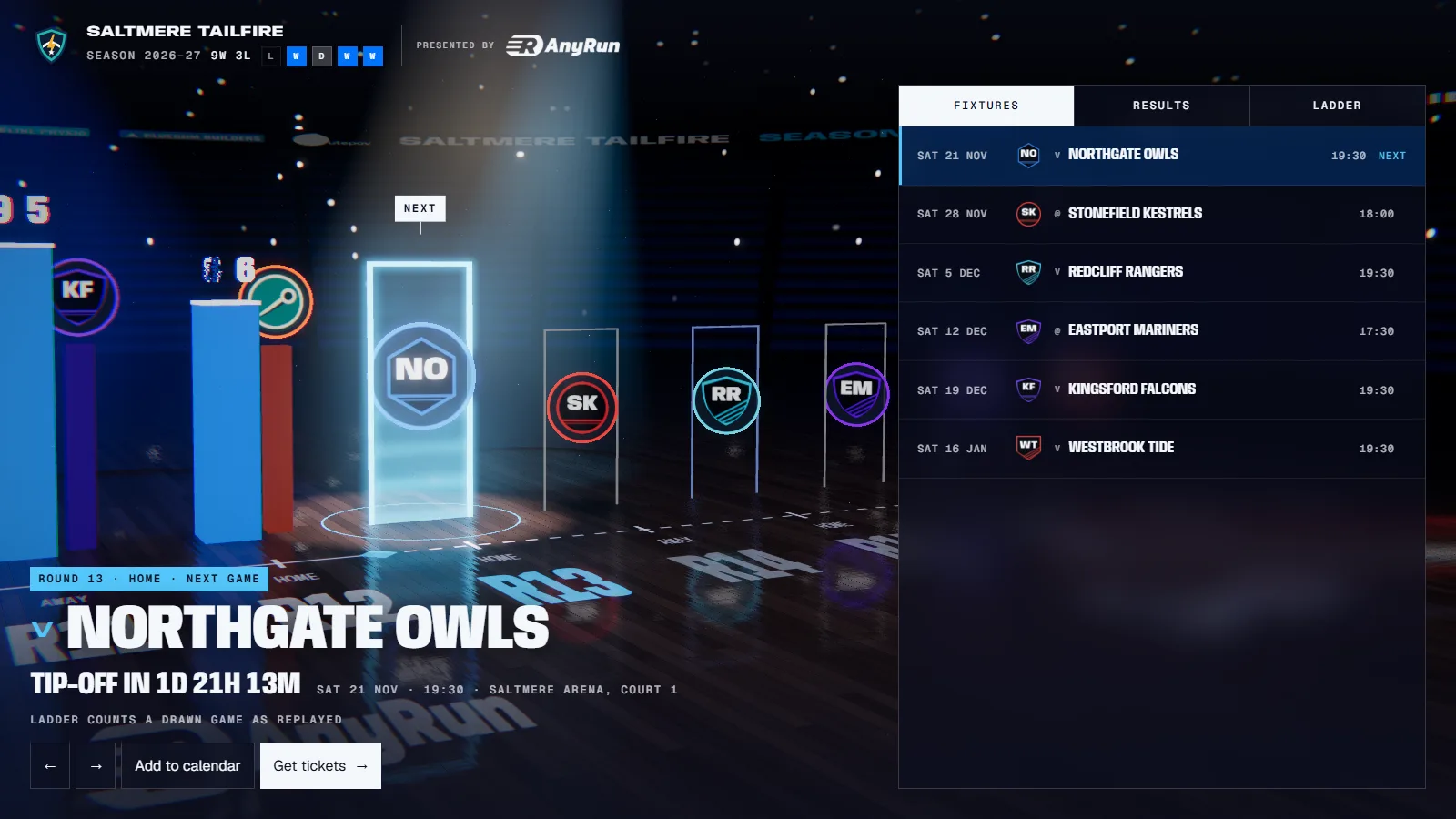


Crests, made ready
Upload each opponent’s logo once. Its background is cut away and it is used every time you play them. Without one, we draw a crest from their name.
- SVG, or PNG from 400 px wide
- One crest per opponent, matched by name
- Partner logos trimmed to their ink, so they line up
Publish once, use it everywhere
On your website
Paste one snippet into WordPress, Squarespace, Wix or your own code. It plays only on the sites you allow.
Link and QR code
Post the link, or print the QR code on a flyer. It opens on any phone.
TV screen
Open the screen link on the clubhouse TV and the season plays through on its own.
Stills and video
Export images at 4:5, 1:1, 9:16 and 16:9 for your feeds, and a video on Pro and Agency.
Questions people ask
Something else? Get in touch.
How do I add a result?
Open the game in the Season panel and type both scores. The game moves to results and the countdown turns to the next one.
Can I paste my fixtures?
Yes. Paste a table from a spreadsheet or a web page and the Studio reads the opponents, dates and times.
Does it show the ladder?
Yes, when you enter it: up to 12 teams with played, won, lost and points, and your row marked.
Do I publish again after every result?
Yes. Publishing again updates the same link and every embed in place.