Templates / Walk-out
Walk out
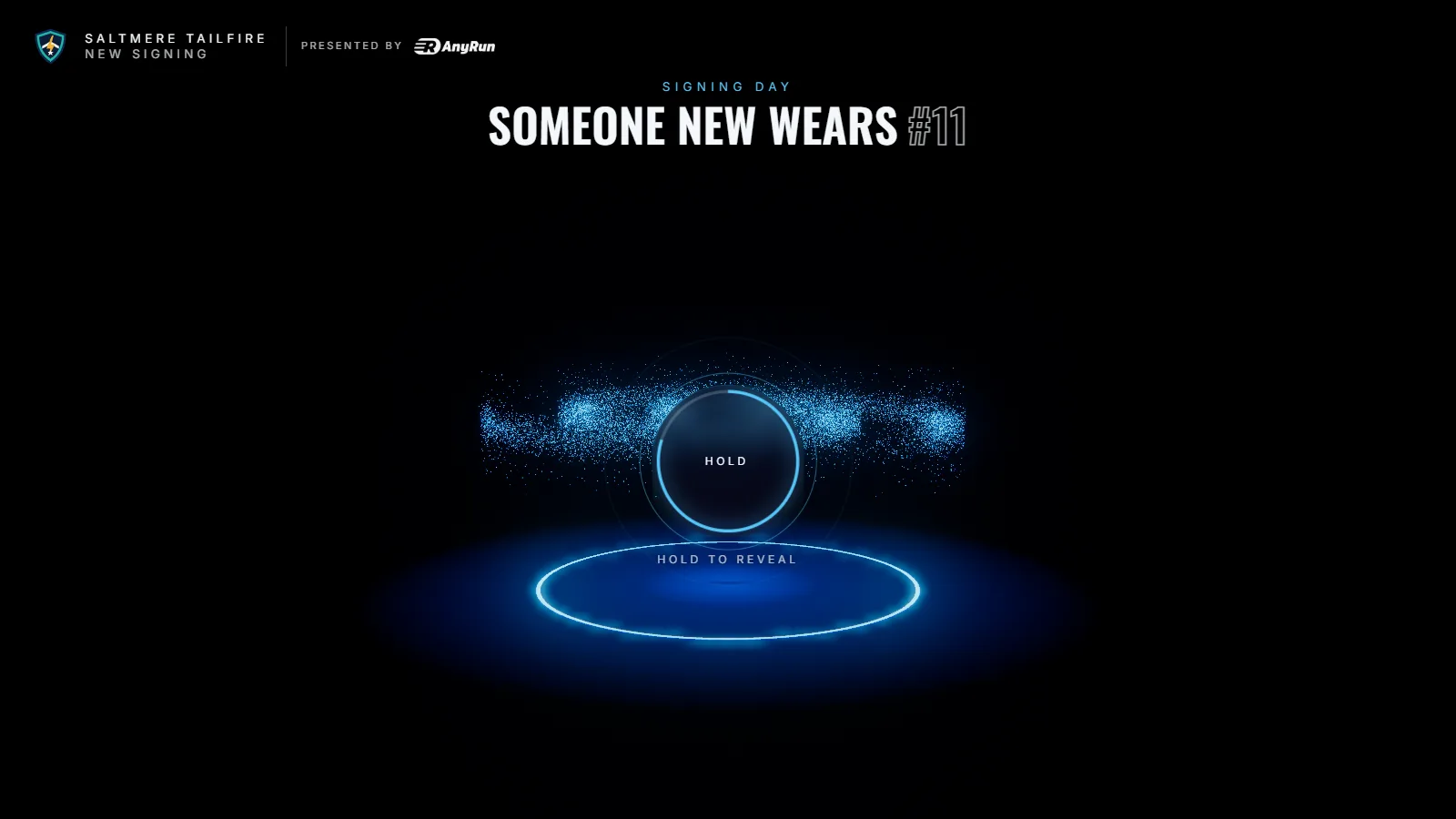
Walk down the tunnel to the court past your starting line-up. Fans take the guided walk or explore, and tap a player for their season.
For game day and your home page. You need three to seven full-length player photos, with their stats if you have them.
Saltmere Tailfire, its players and its sponsors are fictional.
From the tunnel to the court
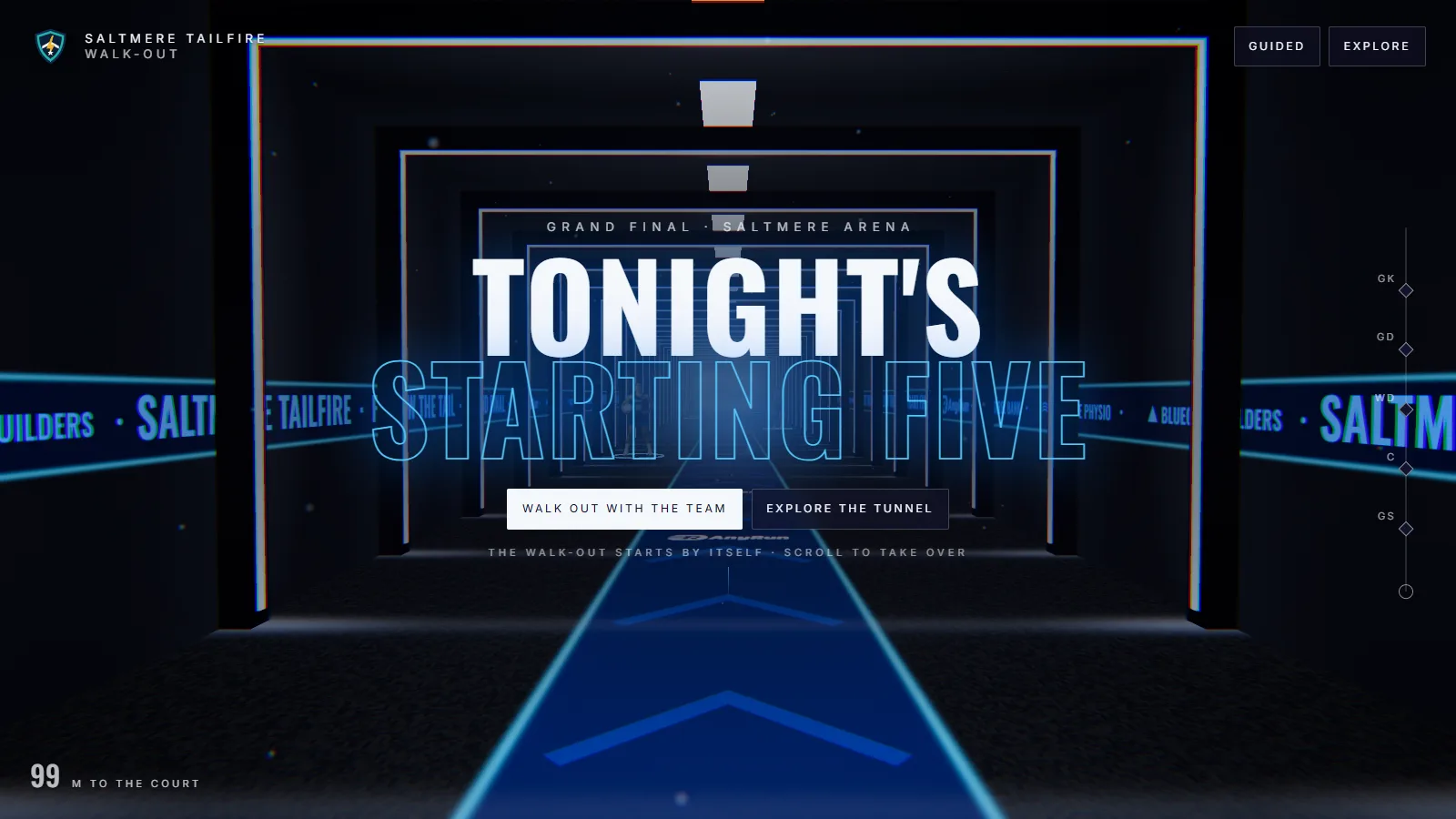
It starts by itself. A scroll or a swipe takes over at any point.
-
The walk
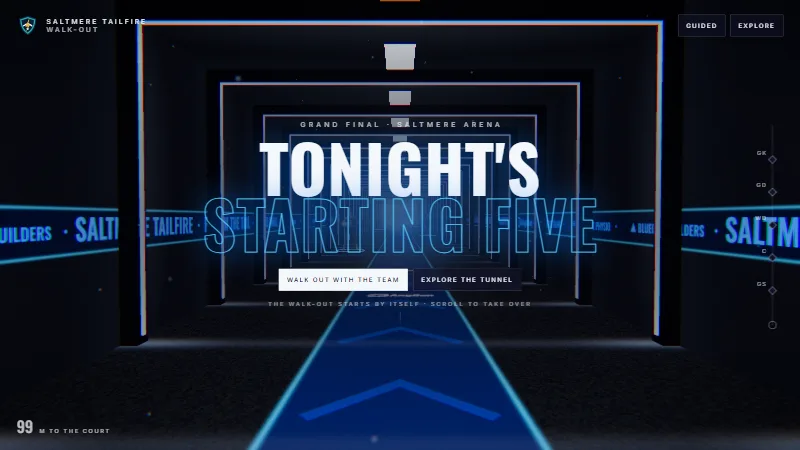
Down the tunnel past each player, with your line running along the walls.
-
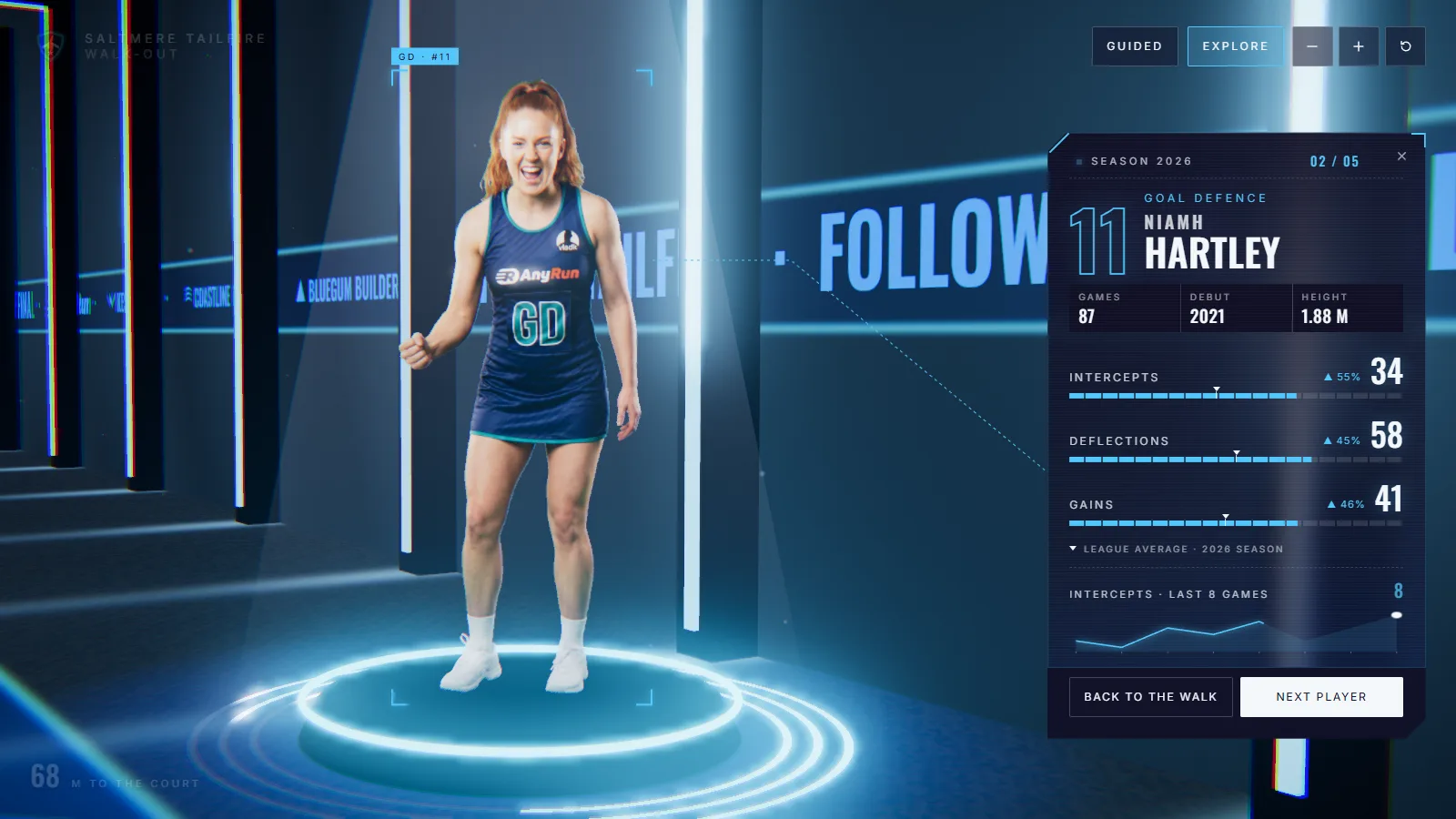
A player’s season
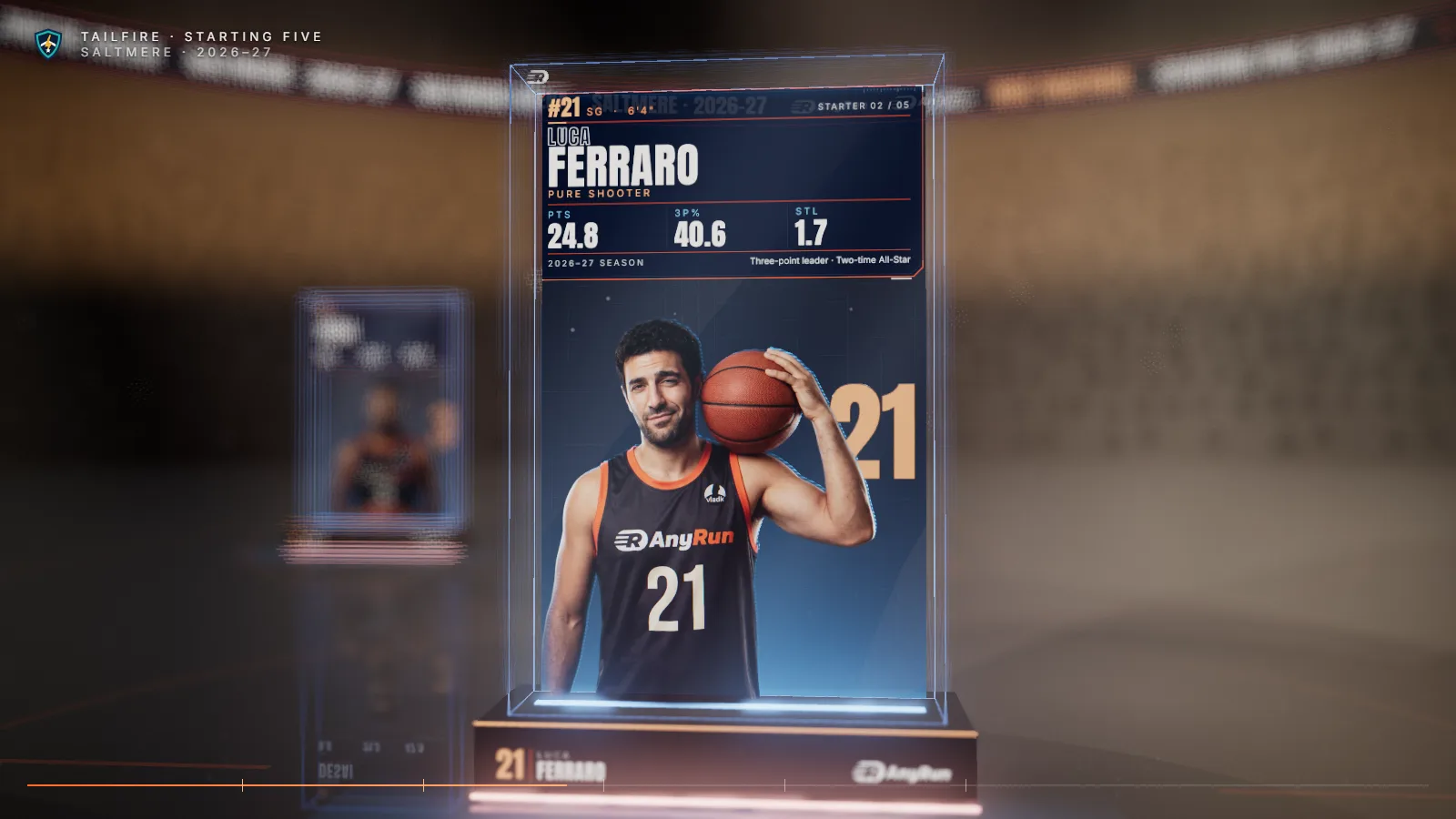
Tap a player for their stats against the league average, facts and recent form.
-
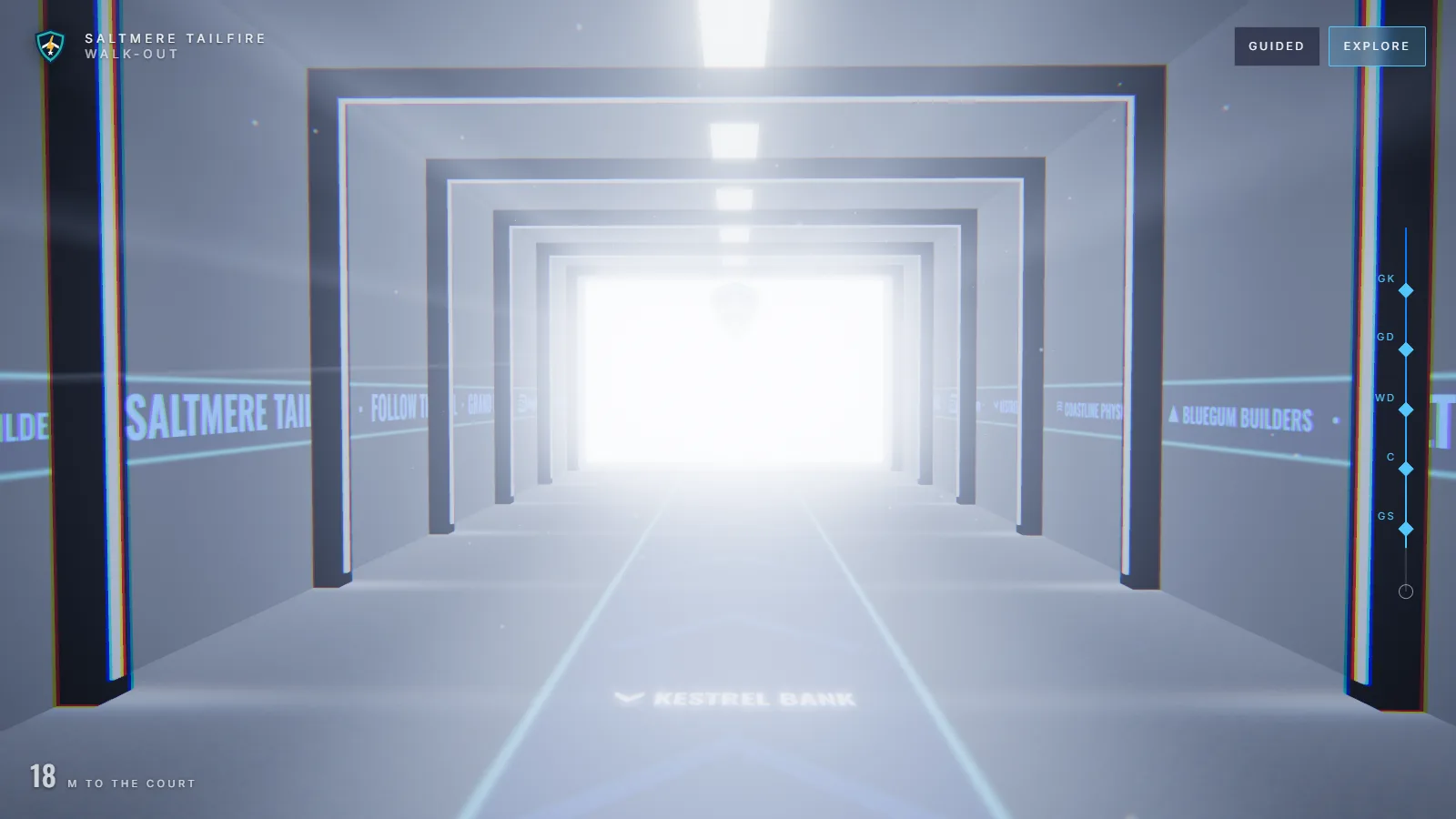
Onto the court
The tunnel opens to daylight and the whole line-up.
Photos, then numbers
Add the players, then give each one the numbers that tell their season.
- PlayersThree to seven, in walking order, with numbers and positions.
- Each player’s cardUp to four stats with league averages, four facts and a recent-form line.
- The tunnelThe line on the walls, and how long the walk pauses at each player.
- HUD styleTactical, Arcade or Velocity.
- SoundEffects, music, and an announcer for each name.
The walk plays by itself, and a scroll or a swipe takes over.
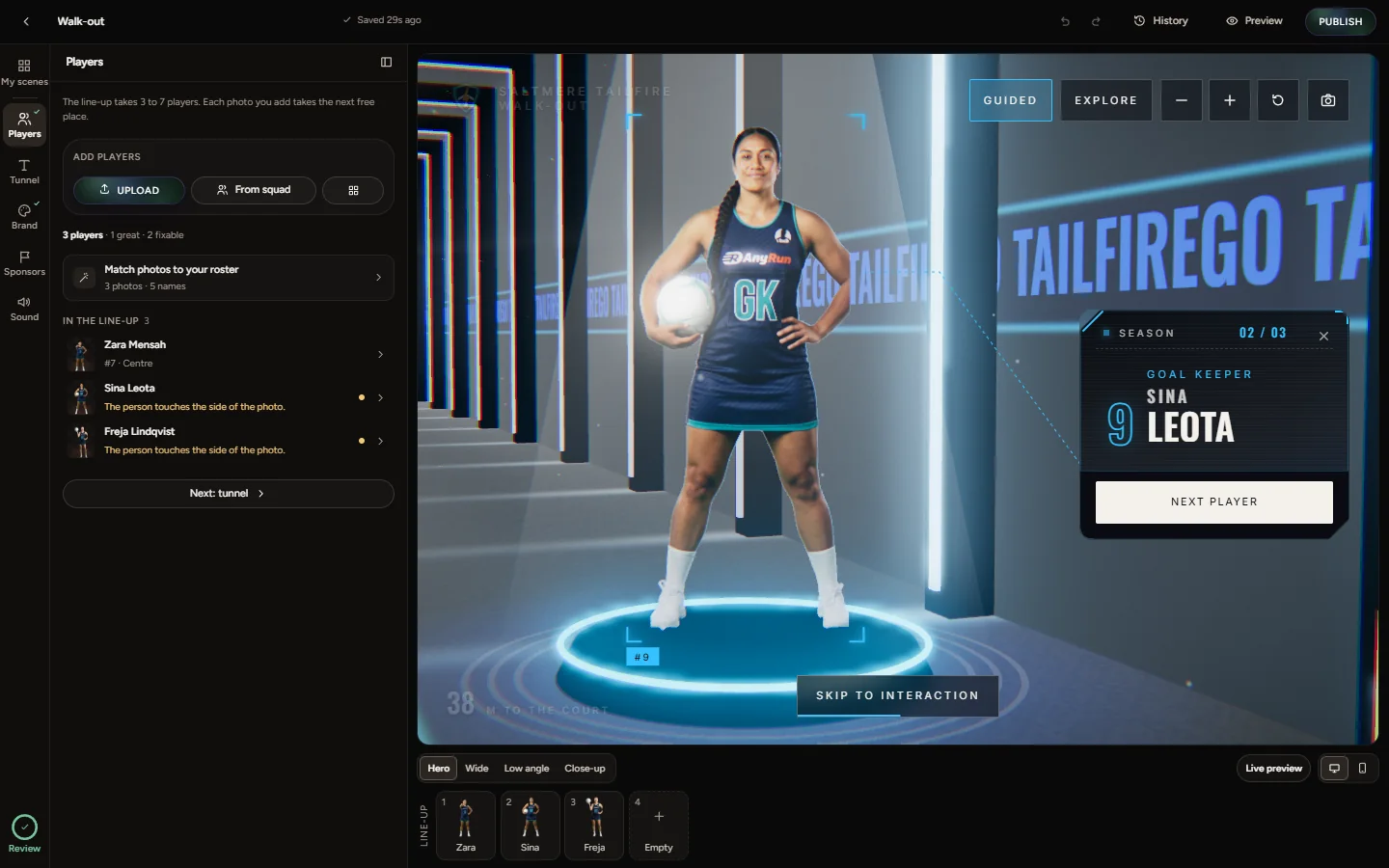
Or just ask
Connect Unveil3D to Claude or ChatGPT and make the whole scene by chatting. When you publish, the live scene plays in the chat and its links come back.
Things people ask
- “Make a walk-out with our starting seven.”
- “Freja shot 36 goals at 93 percent. League average is 28.”
- “Put GO TAILFIRE on the tunnel walls.”
- “Use the Arcade style.”
Make a walk-out for Saturday with Zara, Freja and Sina from our squad.
Created “Walk-out” with the three in that order. Want their season numbers on the cards?
Freja: 36 goals a game, league average 28, accuracy 93 percent. Put GO TAILFIRE on the walls.
Freja’s card shows both with the league marker, and the walls read GO TAILFIRE. Ready to publish.
Publish.
After you confirmed the rights to the photos, it’s live. The links are below.
The Unveil3D panel as it opens in the chat, shown in a plain chat frame.
Three styles
The same walk with three styles of cards and labels.
-
Tactical
Clean lines and small capitals.
-
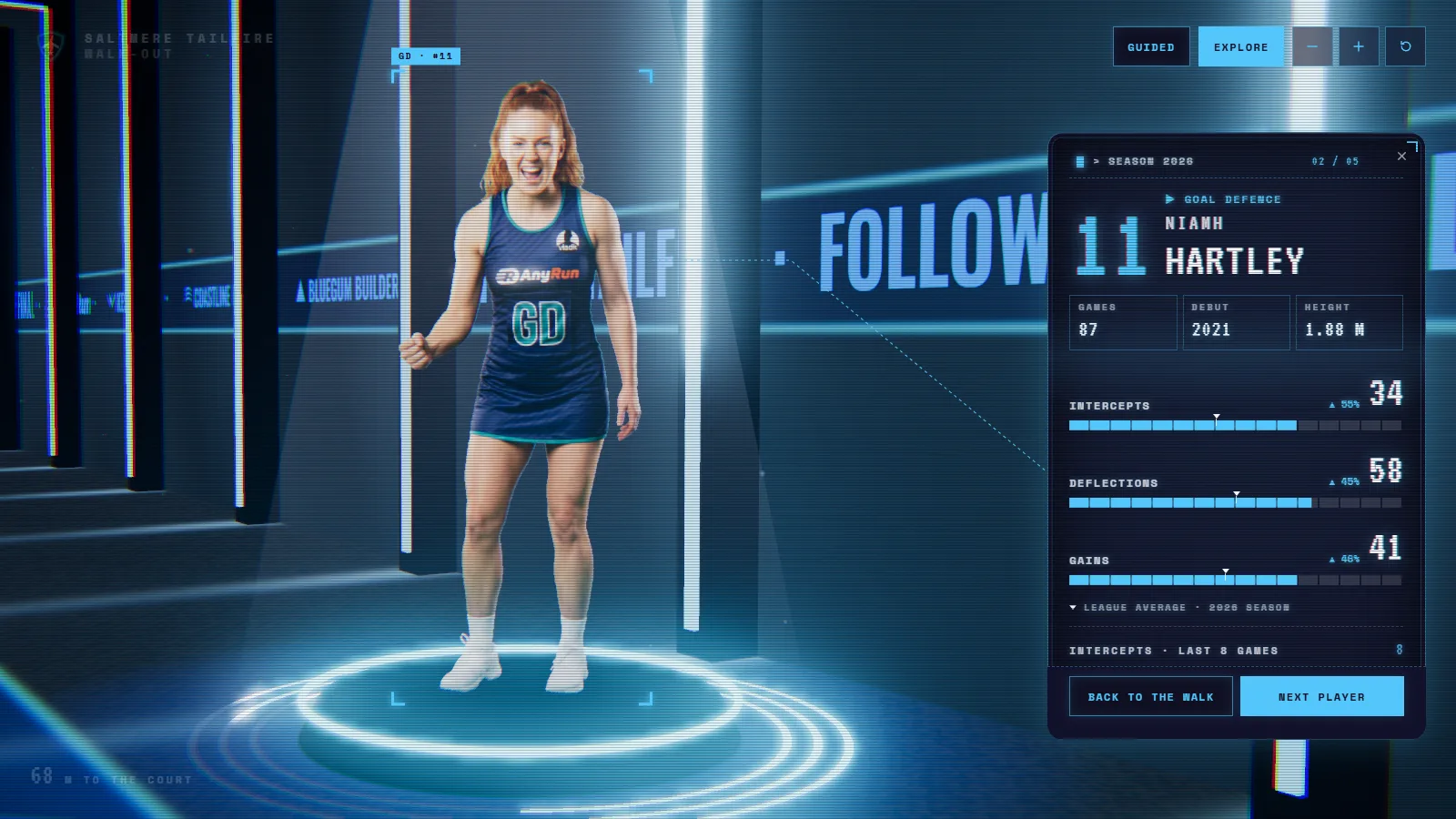
Arcade
Blocky numbers and a scoreboard feel.
-
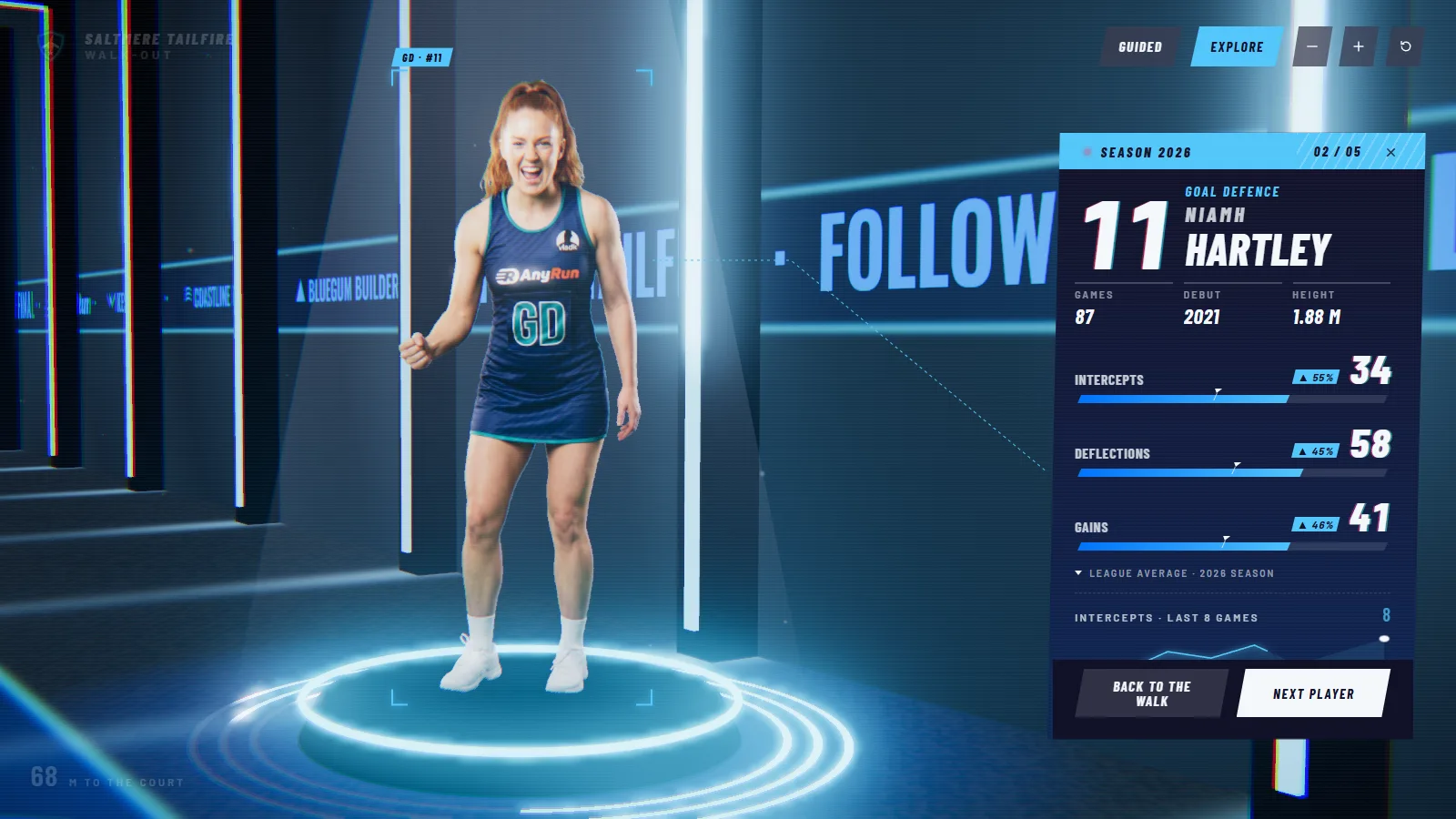
Velocity
Slanted, fast and bold.
Phone photos, made ready
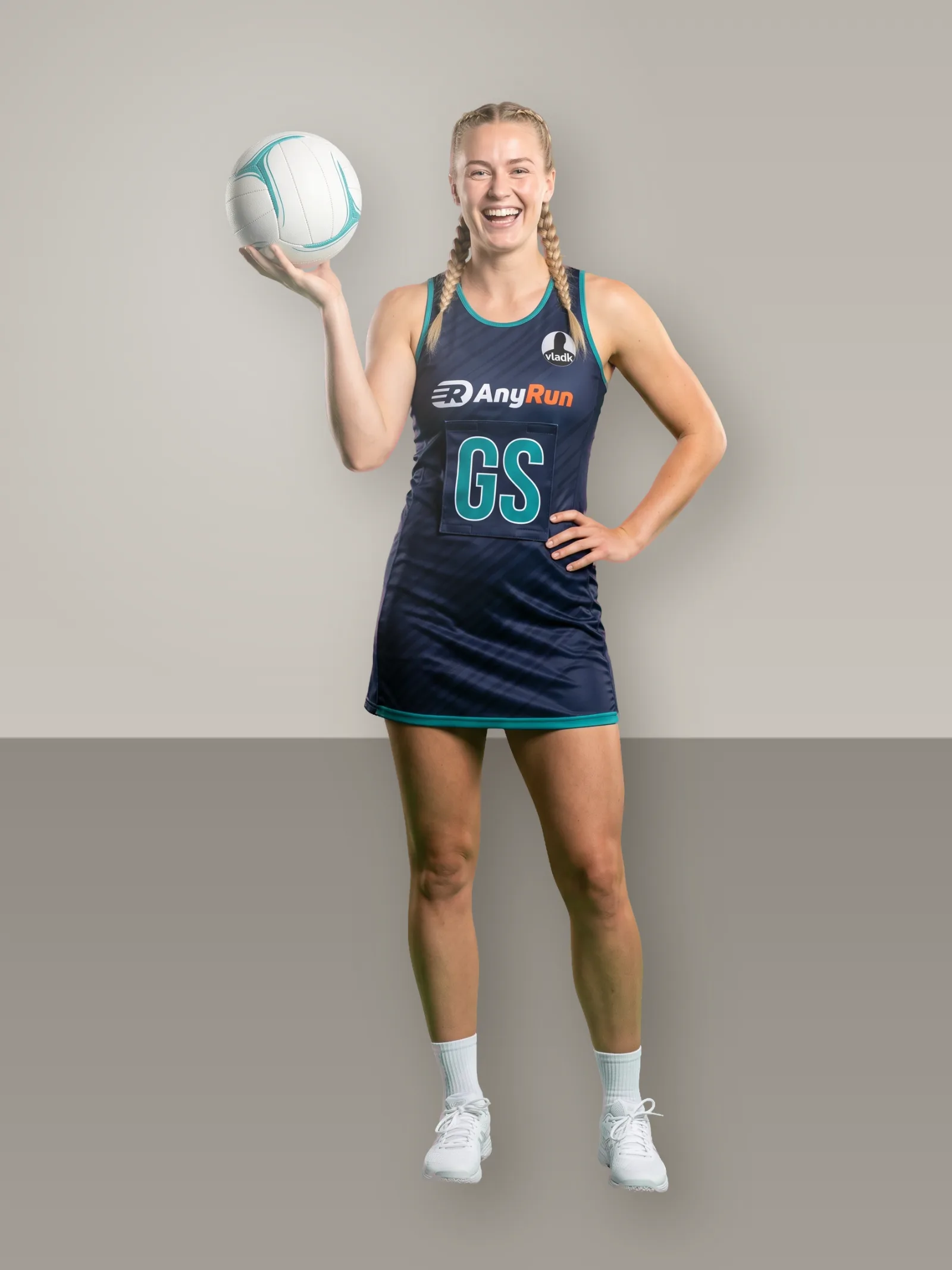
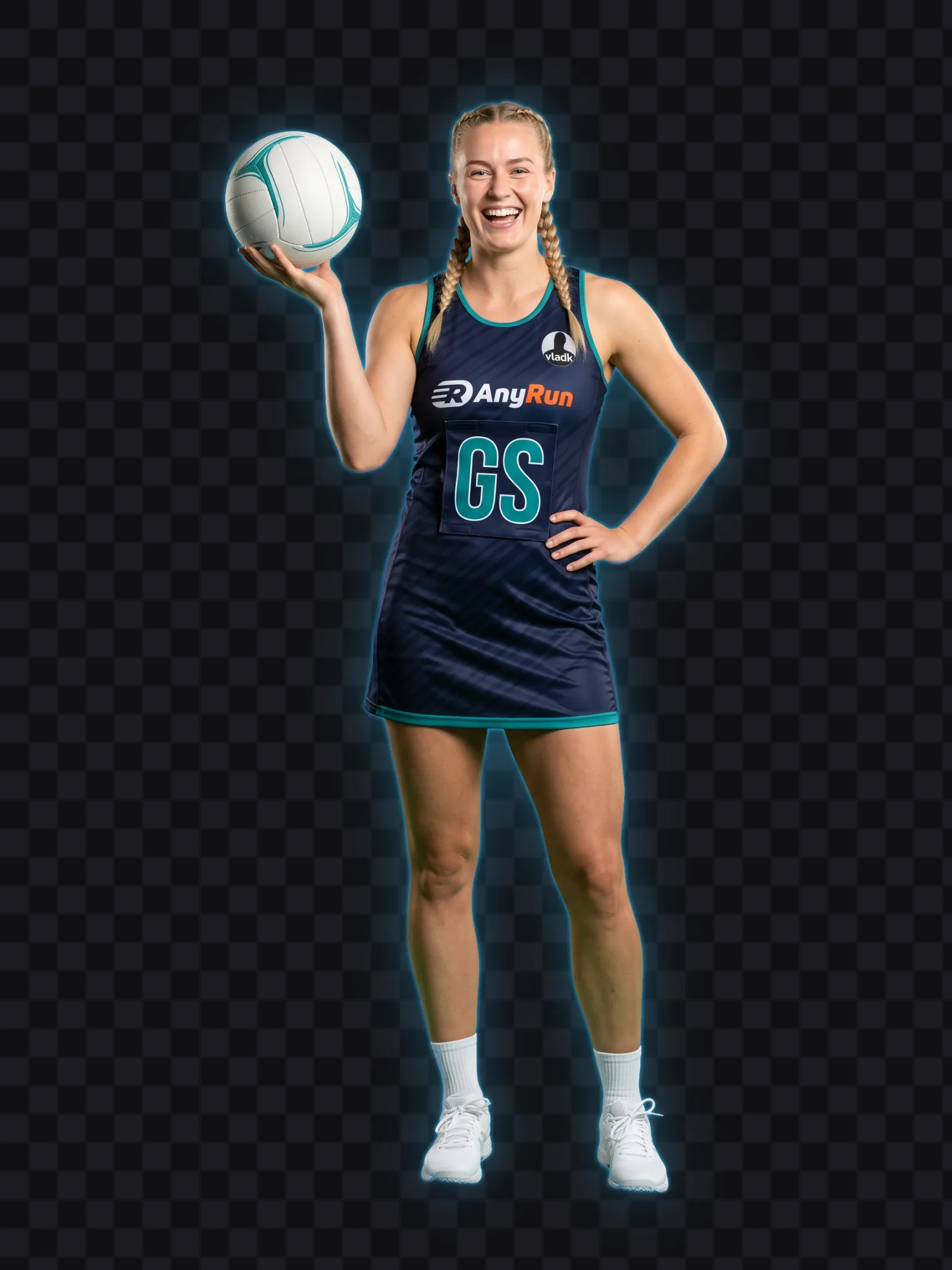
Each photo is cut out in about a minute. The Studio says plainly when one is too small or cropped too tight, and what to do about it.
- One person per photo, head to feet
- Plain background, shot at chest height
- Reuse anyone from your squad in the next scene
Publish once, use it everywhere
On your website
Paste one snippet into WordPress, Squarespace, Wix or your own code. It plays only on the sites you allow.
Link and QR code
Post the link, or print the QR code on a flyer. It opens on any phone.
TV screen
Open the screen link on a TV and the walk plays through on its own.
Stills and video
Export images at 4:5, 1:1, 9:16 and 16:9 for your feeds, and a video on Pro and Agency.
Questions people ask
Something else? Get in touch.
How many players?
Three to seven, in the order they walk.
Do I need stats?
No. A card works with a name, number and position; stats, facts and form make it richer.
Can fans explore on their own?
Yes. The walk starts by itself, and a scroll or swipe takes over.
Is there an announcer?
Yes, if you turn it on: each name is called as the walk reaches that player.