Delete your club or your account
An owner can delete the club from Team. Its showcases go offline straight away and its data is gone within two days.
Delete your club
- Open Team.
- At the bottom, under Delete this team, choose Delete team.
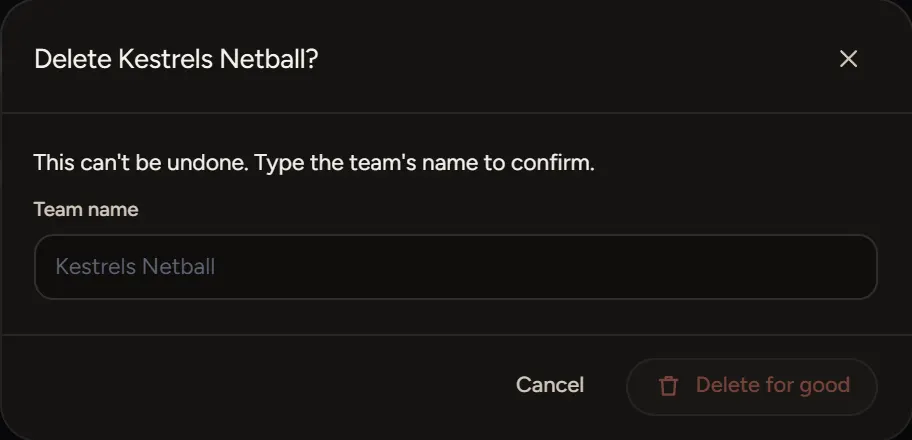
- Type your team's name to confirm, then choose Delete for good.
If you set up the Studio for a business, the words say business. Only an owner can do this, and it can't be undone.
What happens
- Every showcase goes offline straight away, for every member.
- Photos, cut-outs, announcer clips, scenes and saved people are deleted within two days.
- A paid plan is cancelled straight away, with no refund for the unused time.
Want to keep the club and stop paying? Cancel your plan instead. Your work is kept.
Delete your own account
Use the form at the bottom of this page and choose Privacy and consent. Send it from the email address you sign in with. We remove your details within 30 days.
To leave one club and keep your account, ask its owner to remove you in Team.
If something goes wrong
- Type the name to delete it: the name must match your team's name.
- We couldn't cancel the subscription, so nothing was deleted: try again in a few minutes.
- No delete button: you're not an owner. Ask the owner.