A scene won't load
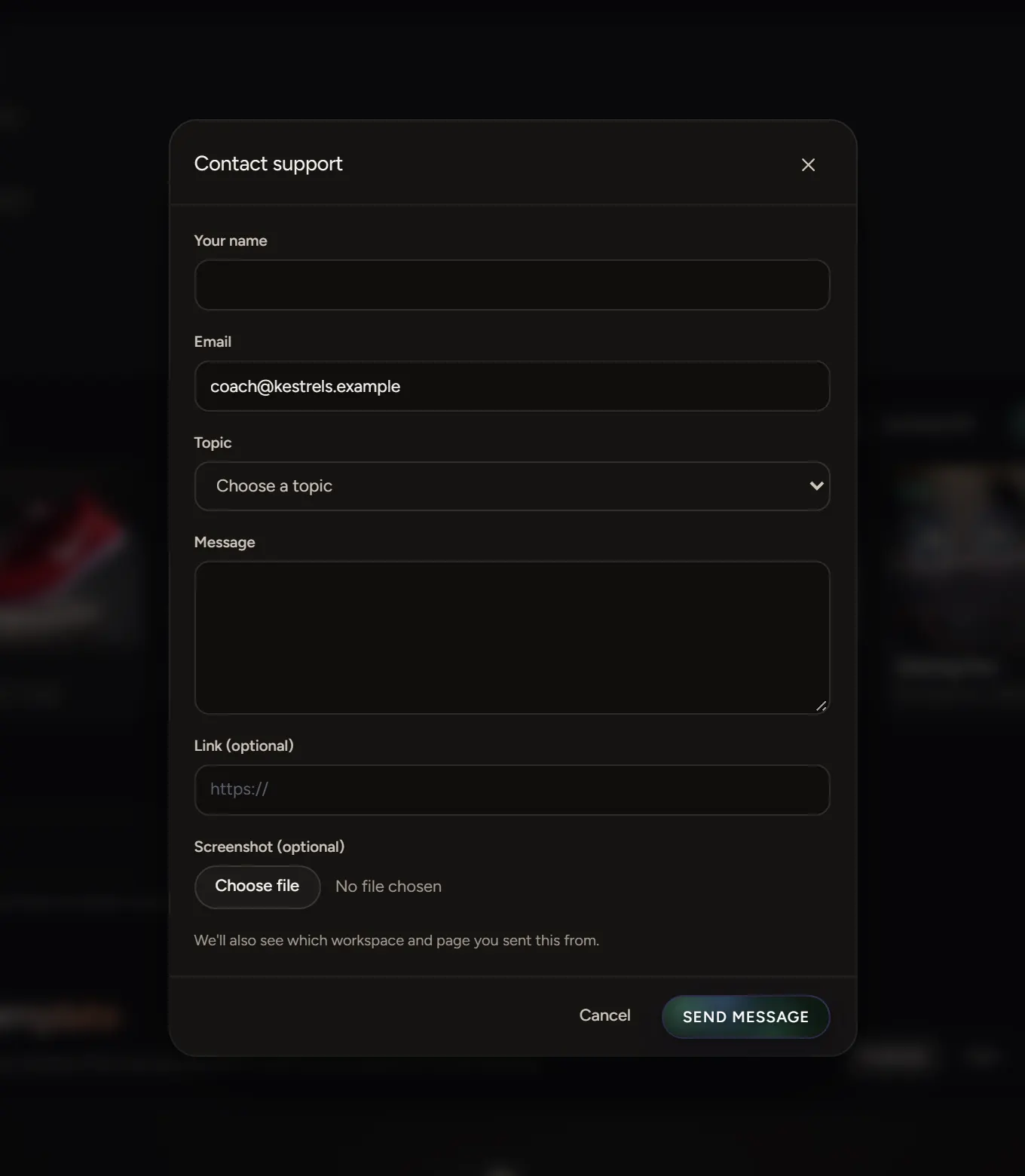
Reload the page and check you're online. If it still won't load, send us the link.
In the Studio
If the preview says it couldn't load, reload the page. Check your connection, then try again. Closing other tabs that play 3D or video helps on older computers.
On a link
- Check you have the whole address.
- Check the scene is still published and its Ends date hasn't passed.
- A scene with a password asks for it first.
On an old phone or computer
Scenes need a recent browser. Update it and try again.
Still stuck
Contact support with the scene's link and the browser you're using.