Show your scene on a TV screen
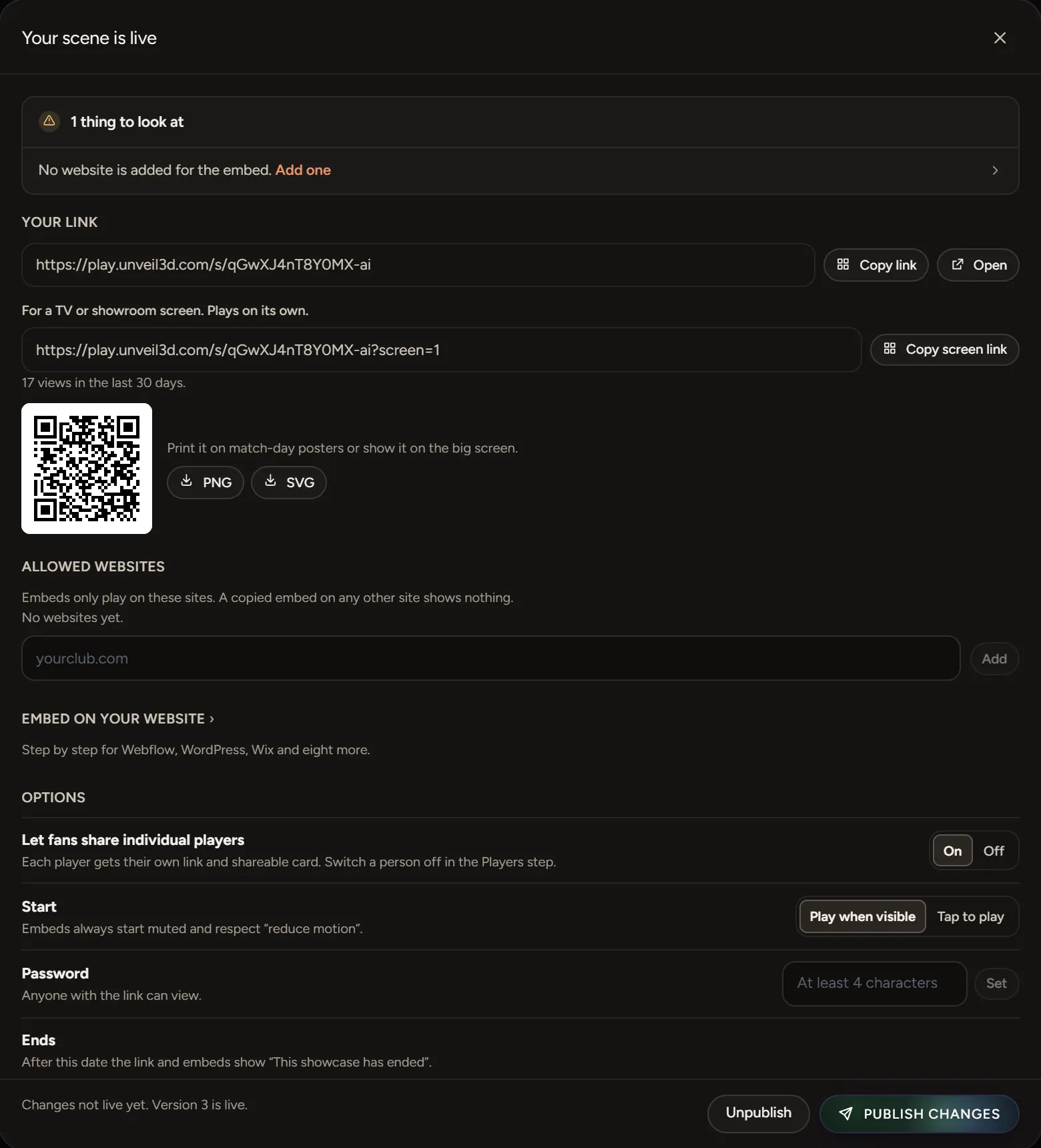
After you publish, choose Copy screen link and open it in the browser on your TV. It plays on its own.
Get the screen link
- Publish the scene.
- Choose Publish to open Your scene is live.
- Next to For a TV or showroom screen, choose Copy screen link.
Open it on the screen
Open the link in the web browser on your smart TV, or on a laptop plugged into the screen, and go full screen. The scene plays on a loop, with no one needed to tap it.
If it doesn't look right
- Choppy: older smart TV browsers can struggle. A laptop or streaming stick plugged into the TV plays it smoothly.
- Stuck on an old version: reload the page after you publish changes.