Analytics and sponsor reports
See views and time on scene for each live showcase. On Pro and Agency, download a sponsor report as a PDF.
See your numbers
- Open a live showcase and choose Publish.
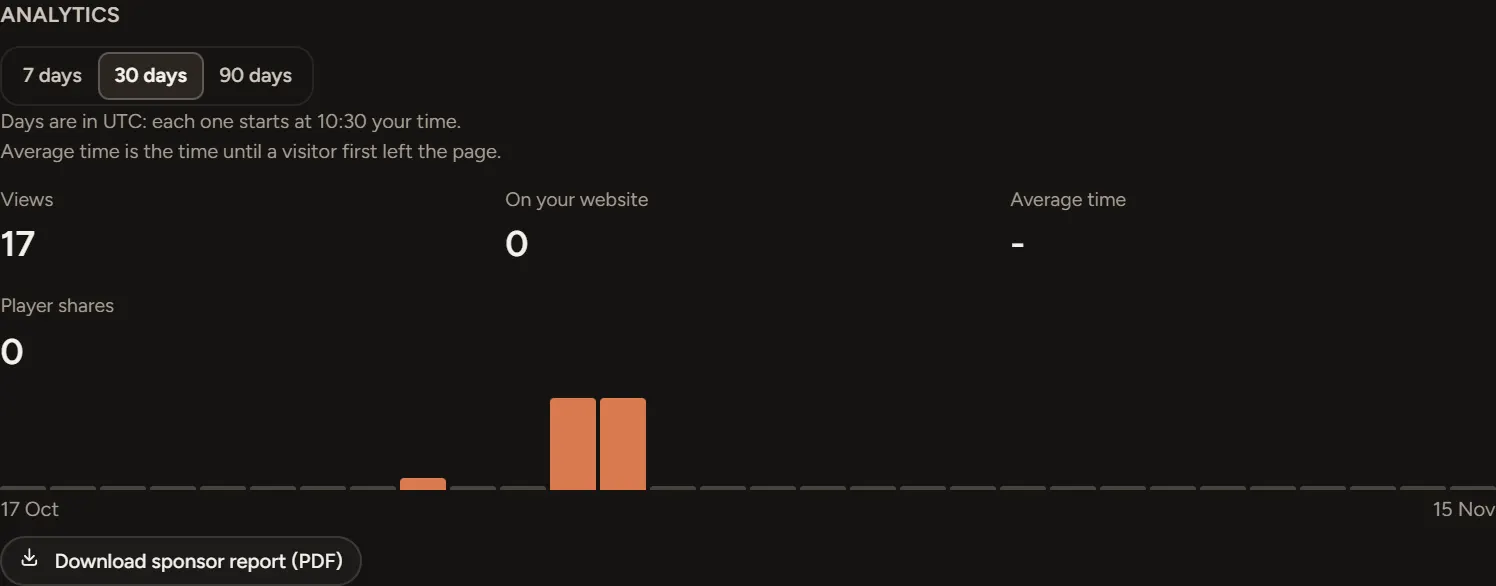
- Scroll to Analytics and pick 7 days, 30 days or 90 days.
You see Views, On your website, Average time and player shares, with each sponsor's views and clicks underneath.
Days run in UTC. The panel says when each day starts in your time.
Download a sponsor report
On Pro and Agency, choose Download sponsor report (PDF). It covers the dates you picked, with each sponsor's views and clicks, in your club colours.
On the 1st of each month, owners get an email when last month's reports are ready.
If something goes wrong
- Sponsor reports are part of the Pro and Agency plans: move up a plan in Billing.
- Analytics could not load: choose Try again.
- No numbers yet: they start once people open the scene.