Get help from a person
Choose Contact support from your club's menu in the Studio. We reply by email.
Send a message
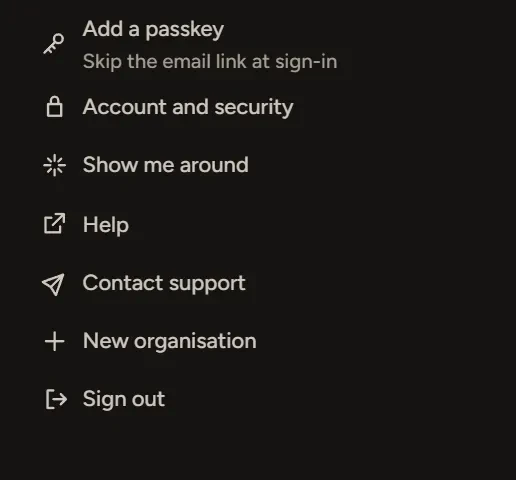
- In the Studio, open your club's menu at the top left.
- Choose Contact support.
- Pick a Topic, describe what happened in Message, and add a Link or Screenshot if it helps.
- Choose Send message.
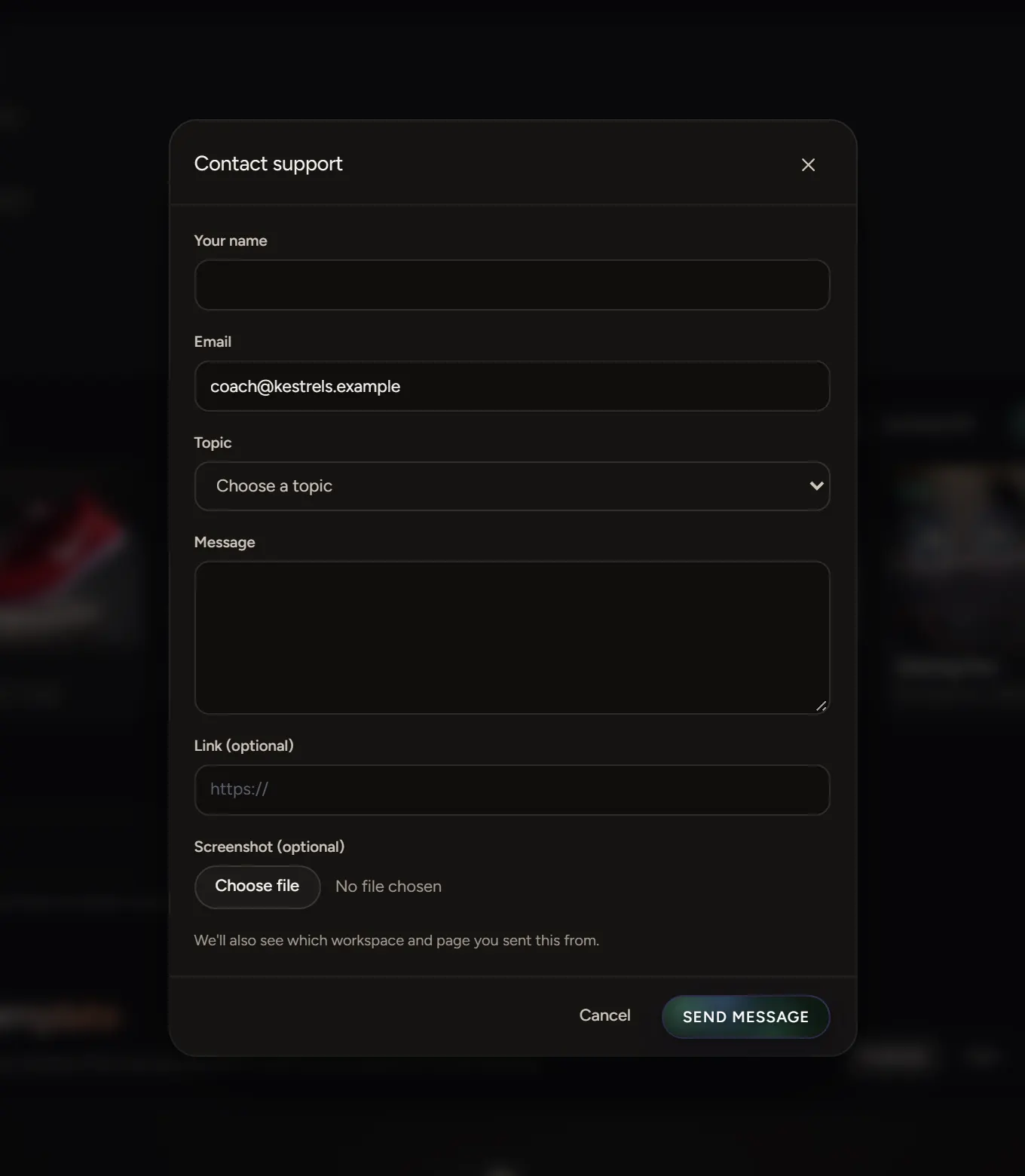
We see which workspace and page you sent it from, so you don't need to explain where you were. A copy comes to your inbox, and we reply to the same address.
Other ways in
The same menu has Show me around, which replays the first-run guide, and Help, which opens this help centre.
Not signed in?
Use the contact page.