Invite your team and set roles
Owners and admins invite people from Team. Pick a role for each person. Invites expire after 7 days.
Invite someone
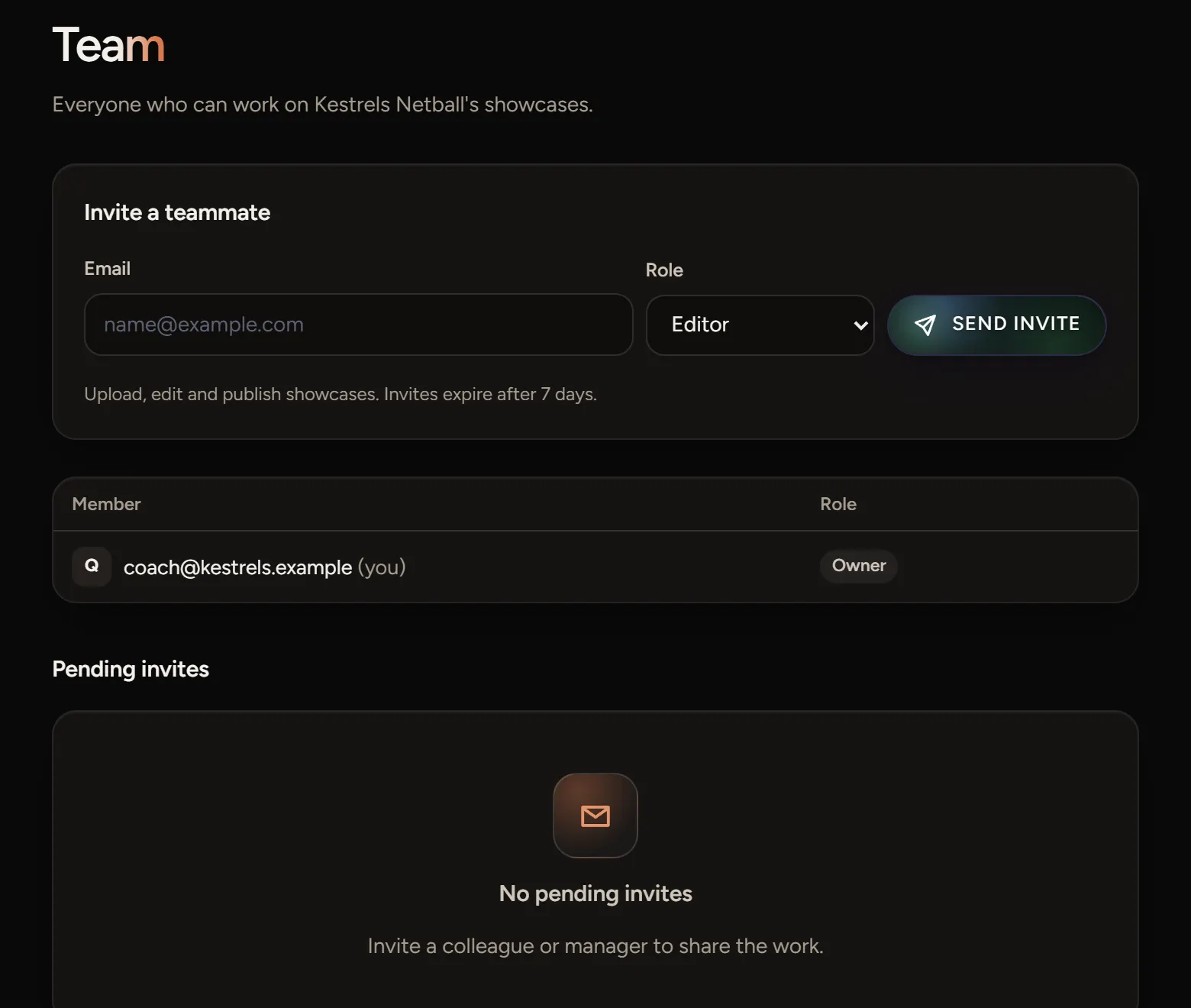
- Open Team at the top of the Studio.
- Under Invite a teammate, enter their email address.
- Pick a role and choose Send invite.
They get an email with a link to join. Until they do, the invite shows under Pending invites. Invites expire after 7 days.
Roles
- Owner can do everything, including delete the club's workspace.
- Admin manages billing, the team and every showcase.
- Editor uploads, edits and publishes showcases.
- Viewer sees showcases and reports.
New invites start as Editor. Only owners and admins can invite people or change roles.
If the invite doesn't arrive
Ask them to check spam. If it's expired, send a new one from Team.