Fix a cut-out
Select the player, choose Fix edges, then paint with Erase background or Restore until the edge is right.
Open the brush
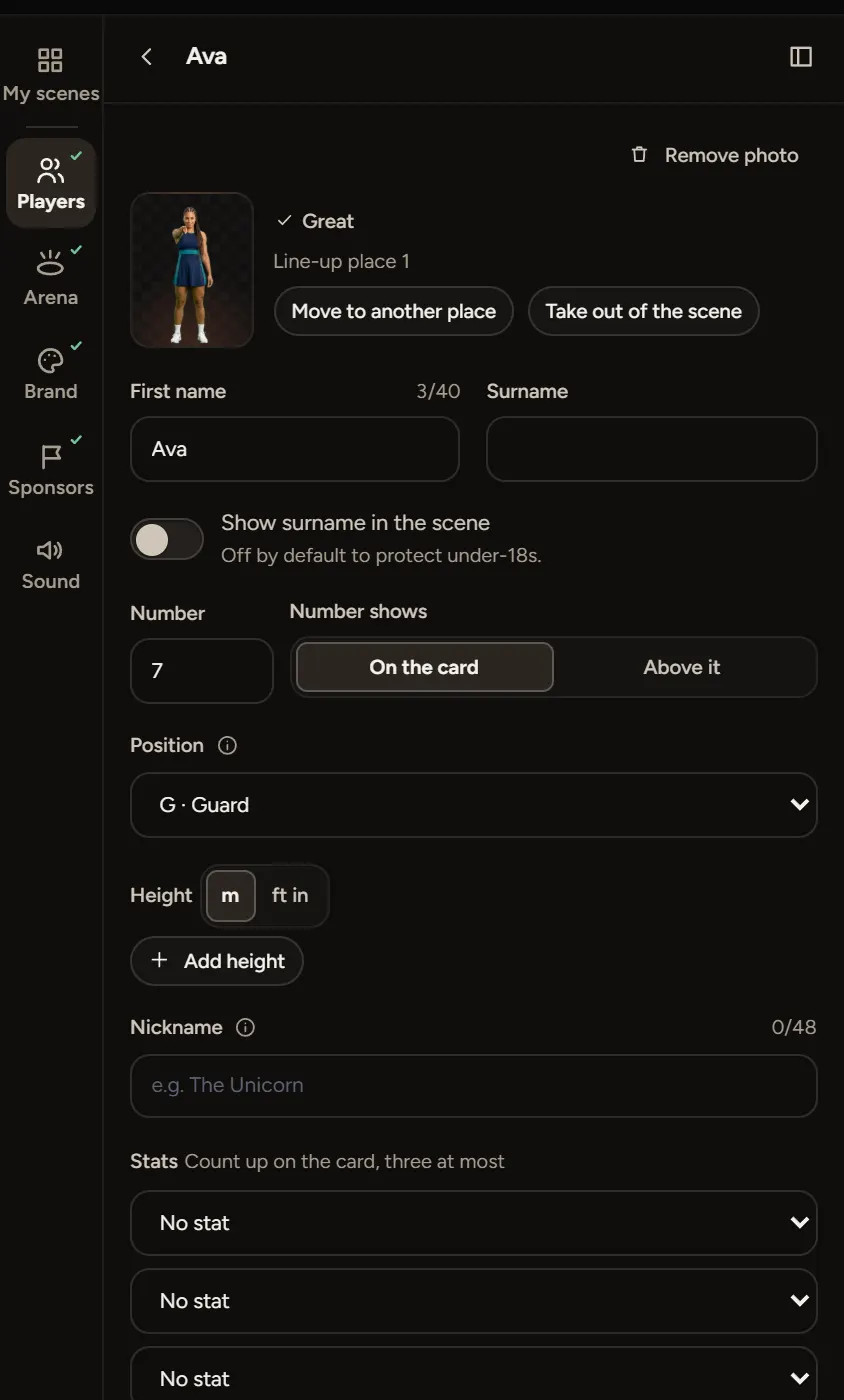
- In the Players step, select the player.
- Choose Fix edges on their photo. The cut-out opens with a brush.
Paint the edge
- Choose Erase background and paint over anything that shouldn't be there, like a bit of fence or another person's arm.
- Choose Restore and paint over anything the cut-out took away, like a hand, a ponytail or the tip of a shoe.
Zoom in for fine edges. The brush has its own undo.
Start again
If it gets worse, choose Reset to AI cut-out to go back to the one the Studio made.
When painting won't fix it
If the person blends into the background, a new photo is quicker. See What photo works best.