Take someone out of a scene
Take the player out in the editor, then choose Publish changes. The live scene updates for everyone.
From one scene
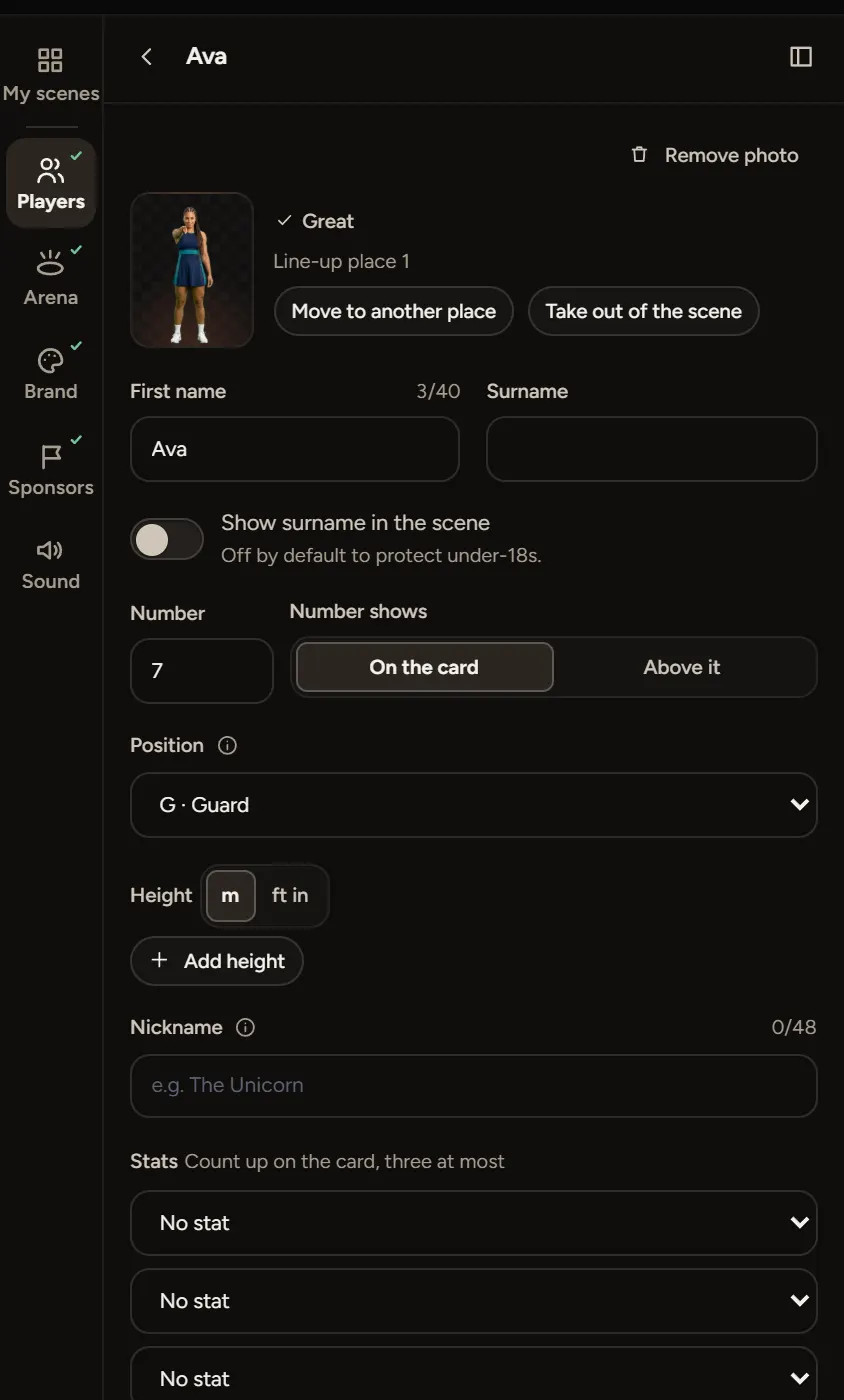
- Open the scene and the Players step.
- Select the player and choose Take out of the scene.
- Choose Publish, then Publish changes.
The live scene, its embeds and the player's own card update for everyone.
From every scene
Open Squad and remove the player there. Their photos come out of every showcase. Publish changes on each live one.
Asked to remove someone?
If a parent or player asks to come out and you can't do it yourself, contact support with the scene's link and we'll help.