Starting Five and Player spotlight
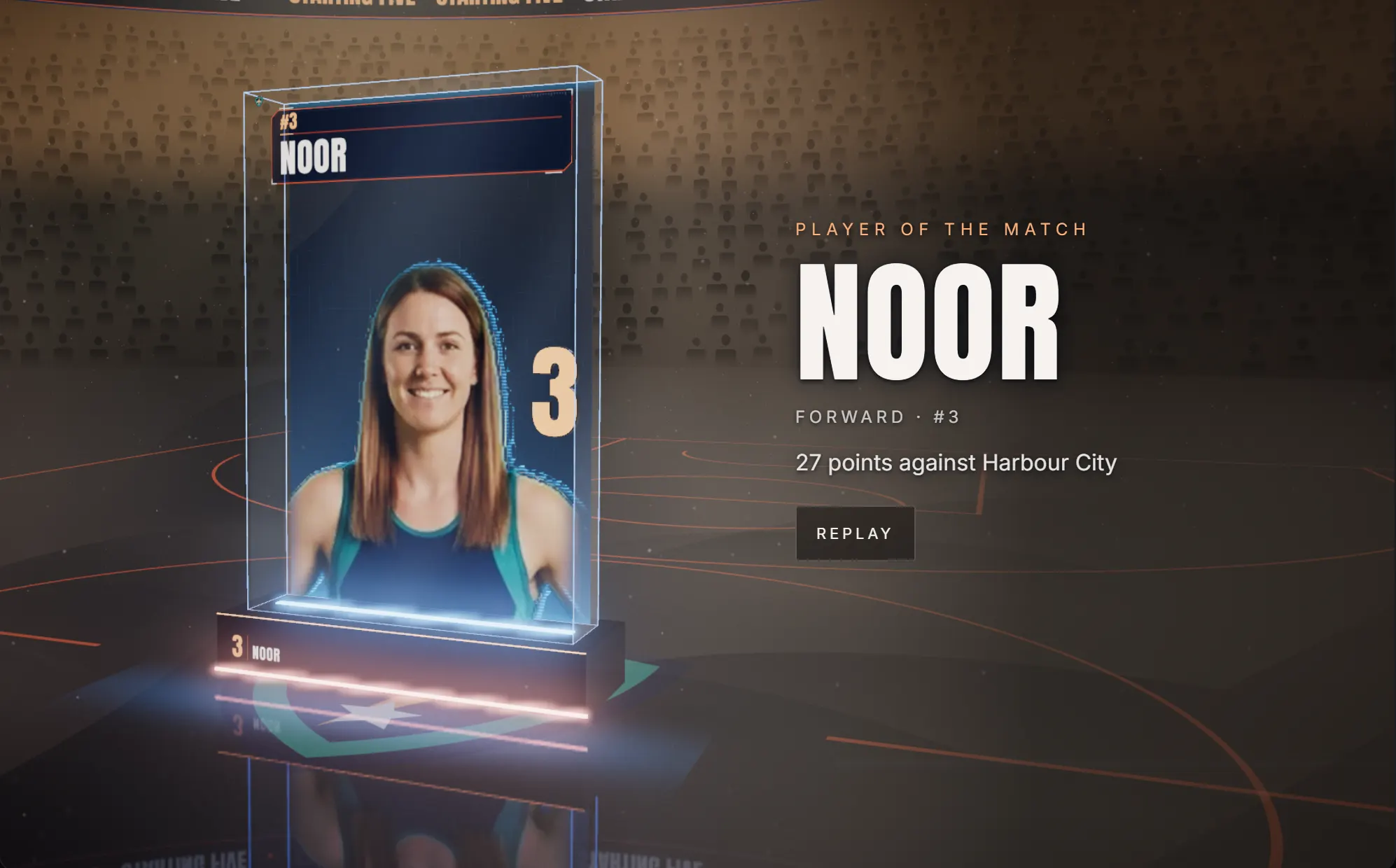
Starting Five reveals your line-up one player at a time. Its Spotlight format puts one player in the glass case.
The line-up
- Under Choose a template, choose Use template on Starting five.
- In the Players step, add 5 players with waist-up photos.
- In Sponsors, add your presenting partner. The line-up needs one.
All five come on one after the other, then stand together.
Spotlight one player
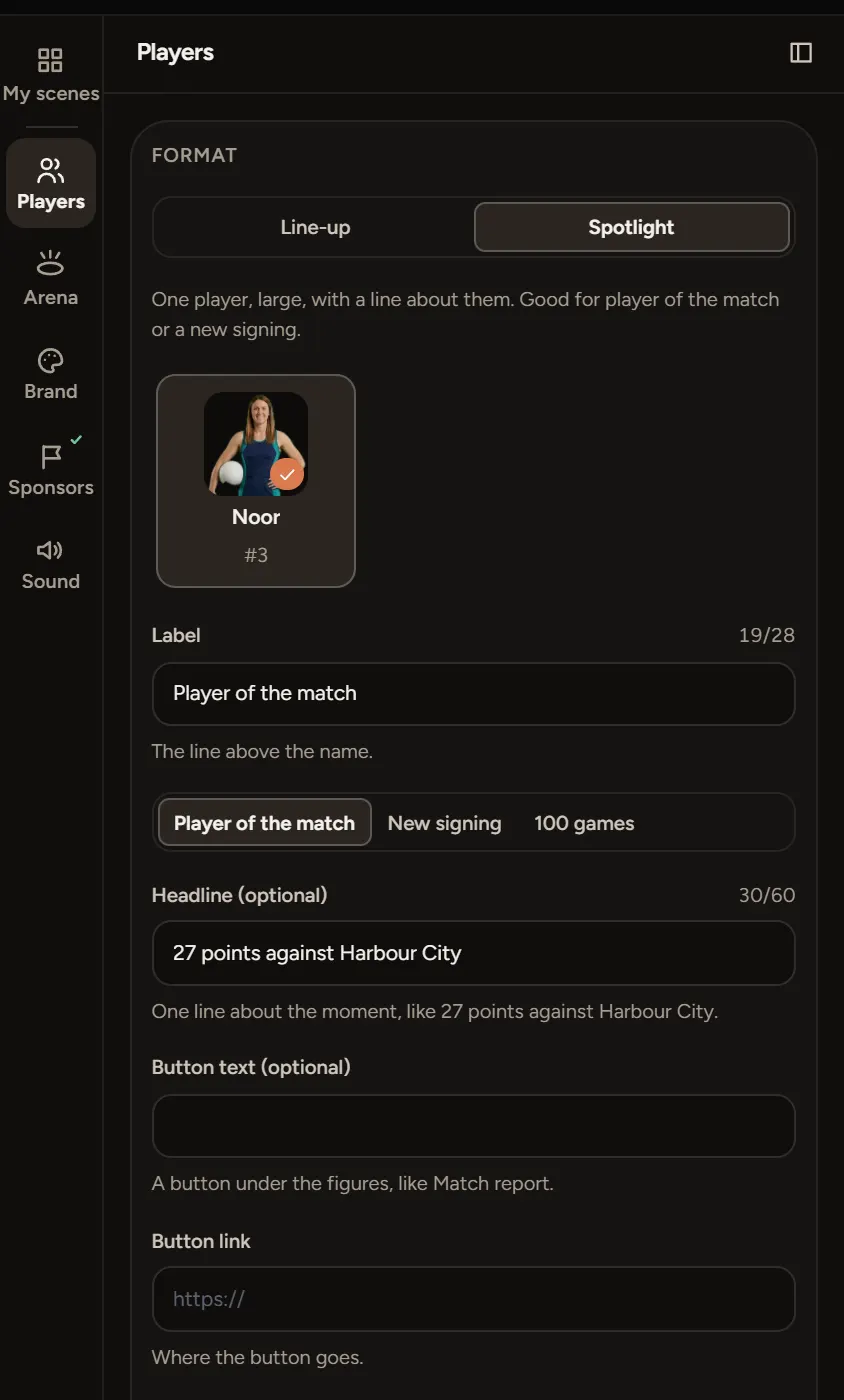
- In the Players step, under Format, choose Spotlight.
- Pick the player from your squad.
- Choose a Label, like Player of the match, New signing or 100 games, or type your own.
- Add a Headline about the moment, like 27 points against the Kites.
- Add your own figures if you like. Leave them empty to show the ones on the player's card.
A Spotlight needs one player. Player spotlight under Choose a template opens straight in this format.
A button under the figures
Fill in Button text and Button link, like Match report and its address.
If something goes wrong
- Cast at least 5: the line-up needs five players with photos.
- Choose the Spotlight player: pick one in Format.
- The link needs to start with http:// or https://: paste the full address.