Make your first scene
Sign up, pick a scene, add your players' photos, then publish. The 7-day trial needs no card.
Sign up
- Open Start free and enter your email address.
- Open the sign-in link we email you. Your 7-day trial starts now, with no card.
- Tell us your sport and your country. The Studio uses them to suggest scenes that suit you.
Follow the guide
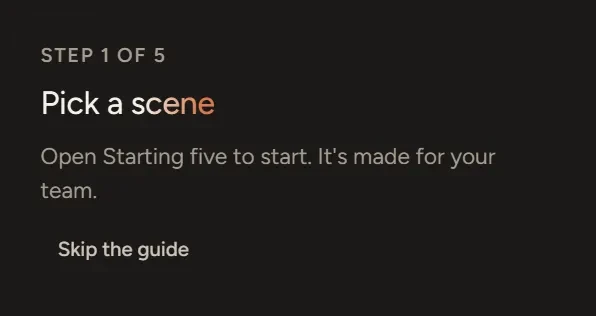
A short guide opens on your first visit. It takes you through five steps: Pick a scene, Add your photos, Make it yours, Preview your scene and publish. It moves on by itself as you do each one. Choose Skip the guide to close it, and bring it back any time with Show me around in your club's menu.
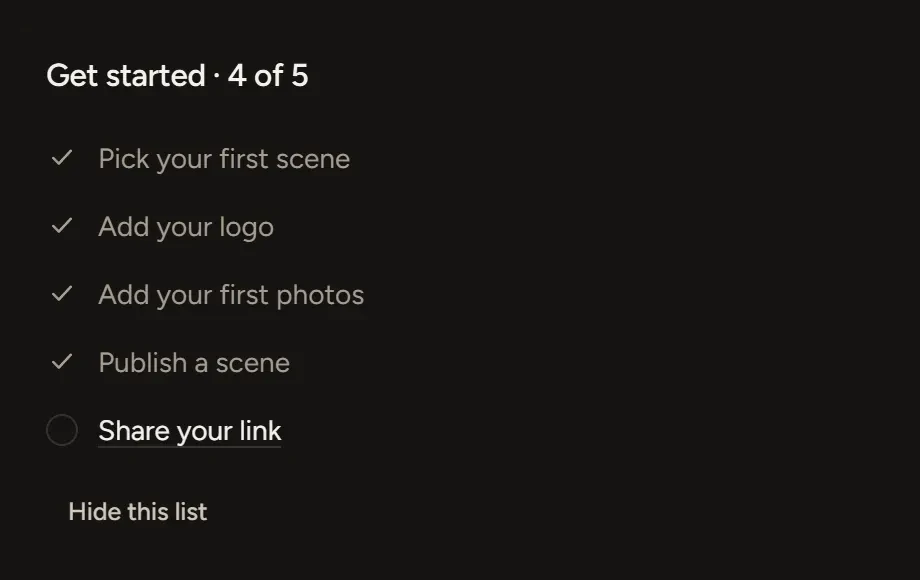
The Get started list on your home screen ticks off the same steps. Choose Hide this list once you're done with it.
Build the scene
- Under Choose a template, choose A team, then Use template on the scene you want.
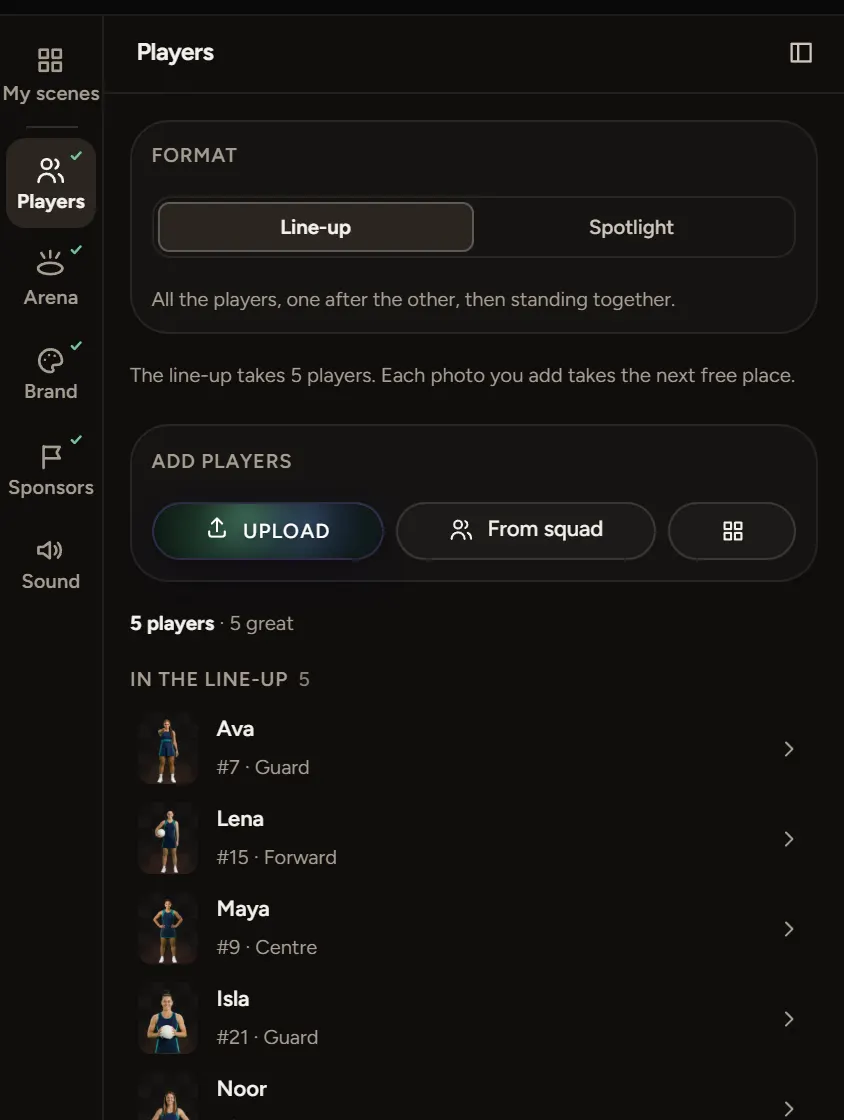
- Work down the steps on the left of the editor: Players, Arena, Brand, Sponsors and Sound. A tick appears beside each one once it's done.
- Watch the preview on the right. Every change shows there straight away.
The Studio saves as you go. There's no save button.
Publish
Choose Publish at the top right. If something's missing, the checklist says what and takes you there. When it's clear, choose Publish again. You get a link to share and code for your website.
If something goes wrong
- No sign-in email: check your spam folder, then ask for a new link. Each link works once.
- Made a mistake: press Ctrl+Z (⌘Z on a Mac) to undo. To go further back, choose History and pick an earlier version.