Arena, brand, sponsors and sound
The editor steps set the arena, your name, logo and colours, your sponsors and the sound. Every change shows in the preview.
Arena
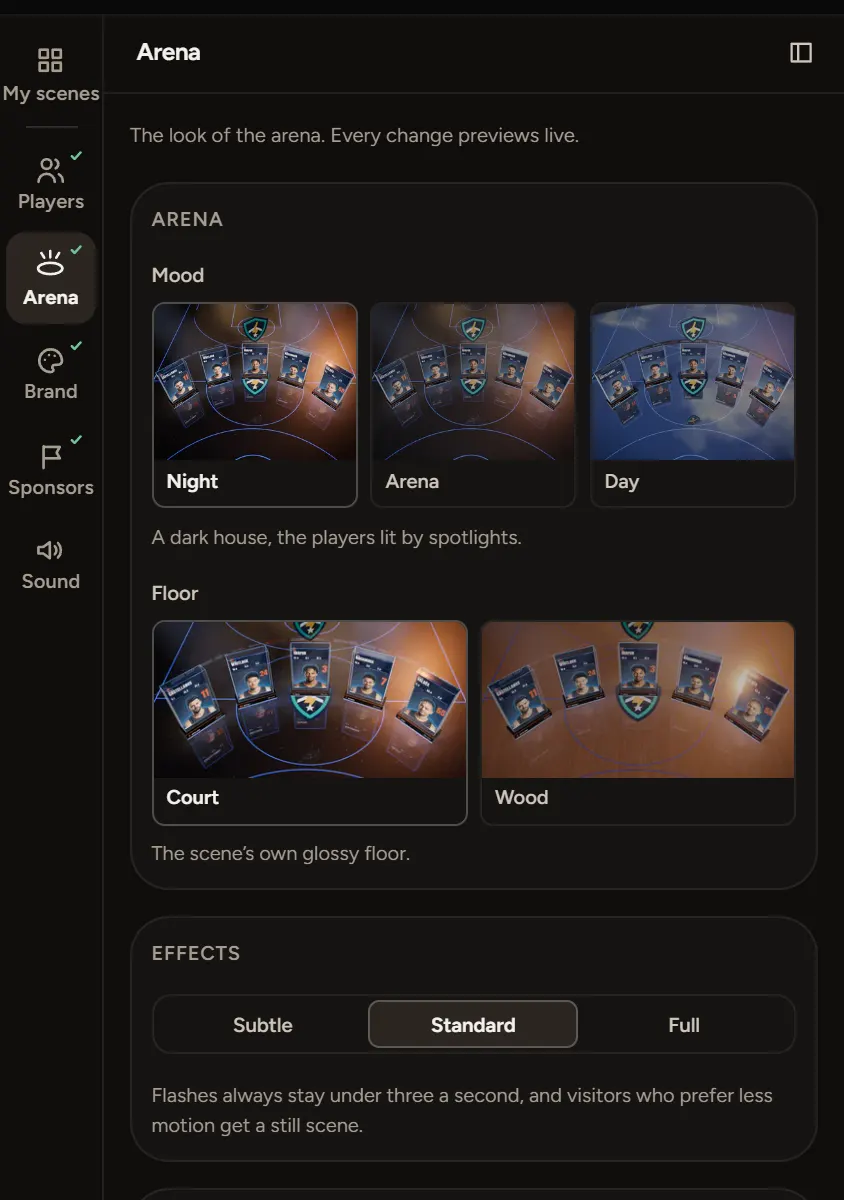
Open Arena to set the look.
- Mood: Night, Arena or Day.
- Floor: Court or Wood.
- Effects: Subtle, Standard or Full. Flashes stay under three a second, and visitors who prefer less motion get a still scene.
- On screen: the text on the arena's screens, like Kestrels 2026.
Brand
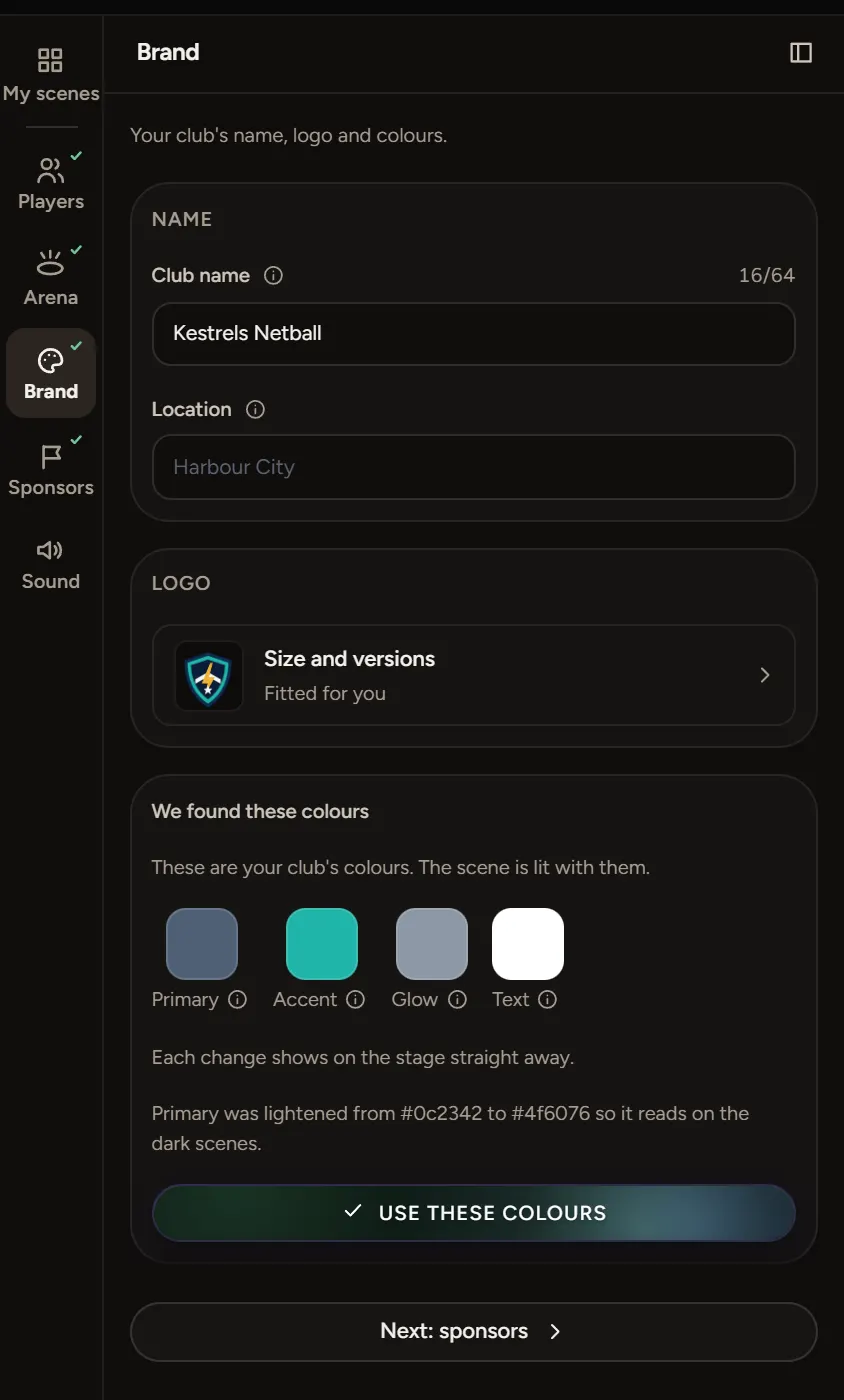
Open Brand for your club name, location, logo and colours.
- Type your Club name.
- Add your logo. An SVG, or a PNG with a transparent background, works best.
- The Studio reads colours from your logo. Check Primary, Accent, Glow and Text, then choose Use these colours.
If a colour is too dark to read on the scene, the Studio lightens it and tells you.
Sponsors
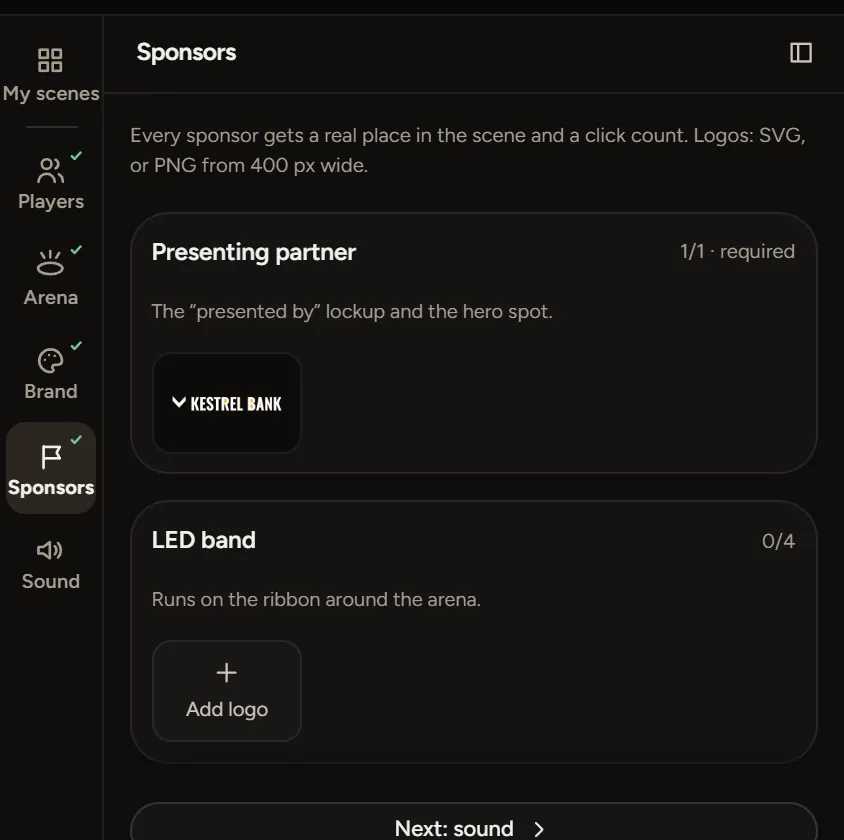
Open Sponsors. Each sponsor gets a place in the scene and a click count.
- Presenting partner is the "presented by" logo and the hero spot. Some scenes need one before you can publish.
- LED band holds up to 4 logos on the ribbon around the arena.
Use an SVG, or a PNG at least 400 px wide.
Sound
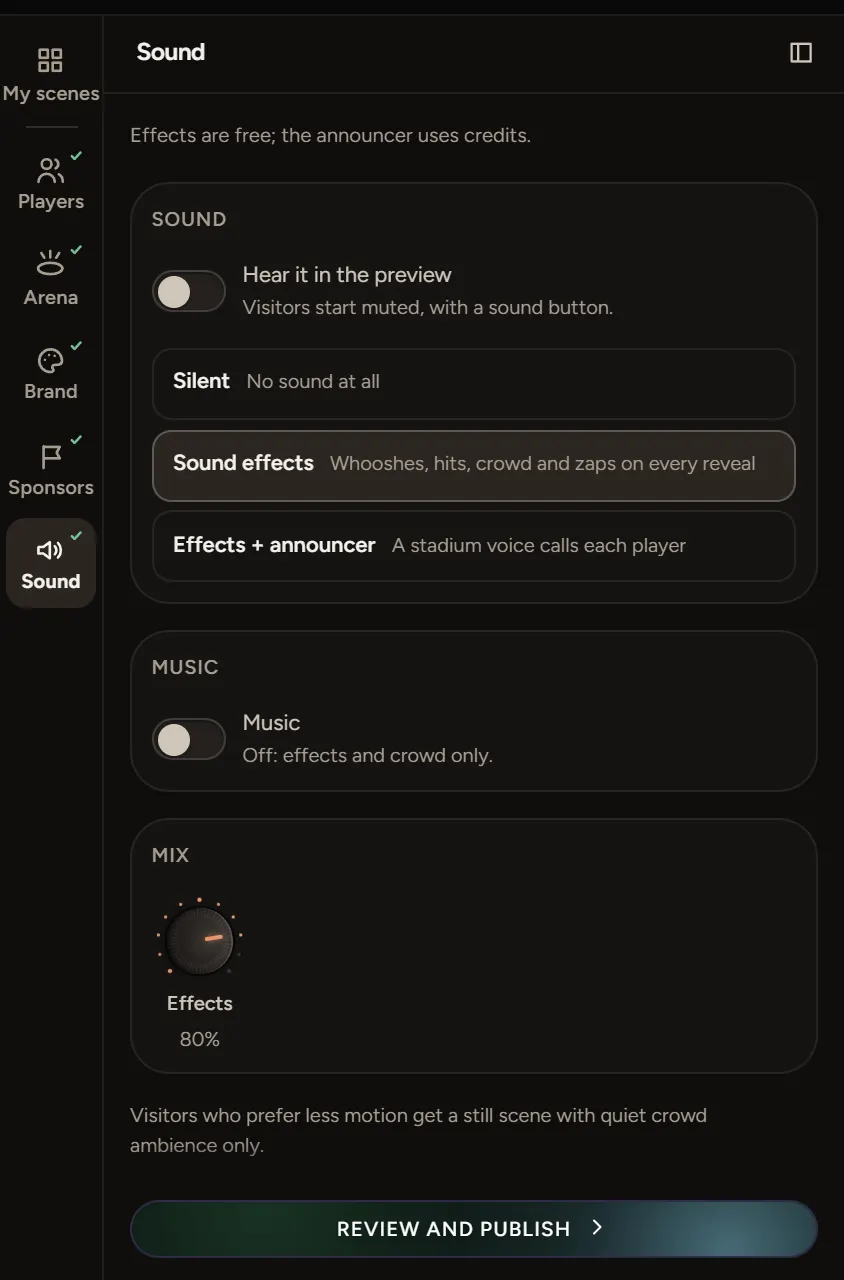
Open Sound and pick Silent, Sound effects or Effects + announcer. Turn on Hear it in the preview to listen. Visitors start muted, with a sound button.
Sound effects are free. The announcer uses credits.
Undo
Press Ctrl+Z (⌘Z on a Mac). To go further back, choose History.